3
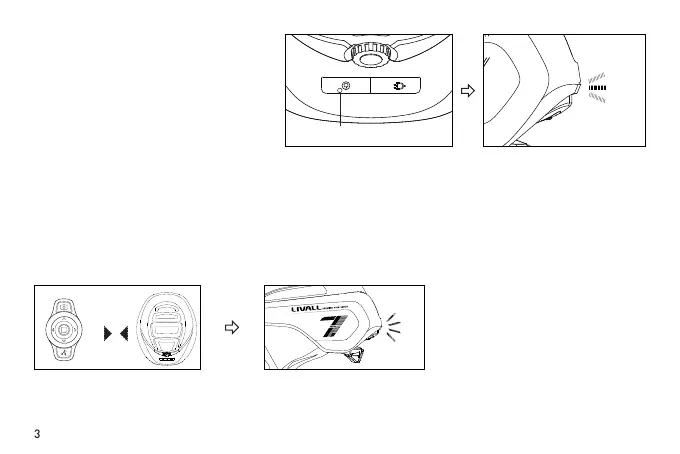
Turn On Your Helmet
Battery Status
Connect the Remote Control BR80 (Control the Turning Signals)
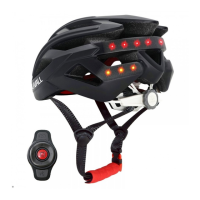
For the rst time to use, press the power on
button located at the back of the helmet,
once the tail lights illuminate the smart
helmet is on.
Remaining battery level is shown by the number of light beads in the middle of the tail, that is displayed when a
helmet is initially turned on. Full battery is indicated when all of the light beads are on.
Hold the button
Note: If it cannot be activated successfully,
please charge it and try again.
Turn on the BR80. Within the
distance of 30cm between the
BR80 and the helmet
Within 30cm
It will automatically connect
to the helmet.
1) First connection
IV. Operation Instructions


 To Next Page