6
SOS Alert(need to be connected to LIVALL Riding APP)
Power o
Charge
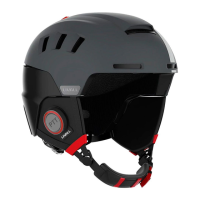
The helmet has a fall detection sensor which sends a signal to the LIVALL Riding APP via Bluetooth technology when
a fall is detected. Then the APP will send an SOS message to a pre-arranged emergency contact.
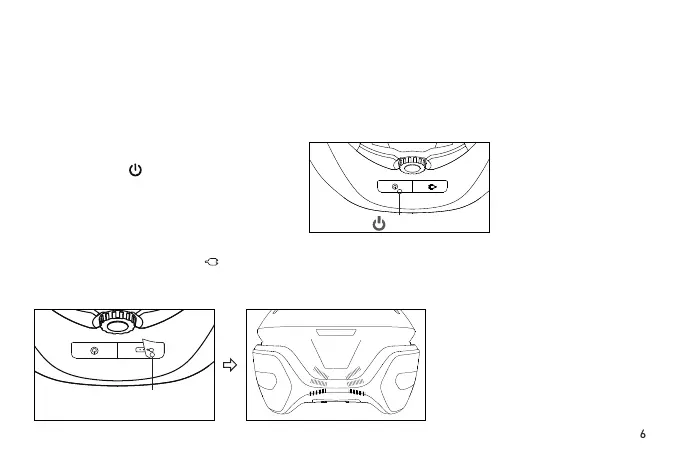
Hold the power button at the back of the
helmet for several seconds until all the LED
taillight turns o.
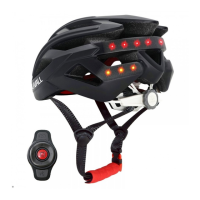
When the soft rubber lid with “ ” image is opened, the Magnetic charging port will be seen. Insert a USB cable
into the USB Charging cable interface of the helmet. Charging starts when the middle area LEDs light up. During
charging, when the middle area LEDs stop blinking and turns o, charging is completed.
Tips: In order to ensure a stable Bluetooth connection whilst riding, use a smartphone holder and place the phone on
your handlebars .
“ ”button
Open the soft rubber


 To Next Page