5
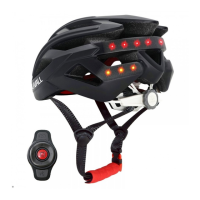
Adaptive lighting(The feature is enabled by default and can be closed by the app.)
Brake warning light
Lighting Mode
Connect With Your Phone
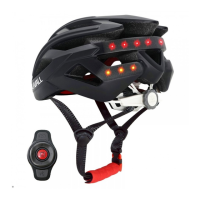
When the helmet is powered on during the day or in a bright environment, only the central LED light will keep
ashing, other LED lights will turn o automatically. During the night, or in a dark environment, the whole taillight
will keep ashing.
When the helmet detects a smooth deceleration, the whole taillight will light up for several seconds to warn the
vehicles behind.
Note: When the helmet shakes too heavy, the built-in sensor detects obvious deceleration to trigger the warning light always
on, which is normal.
After the helmet is turned on, press the power button for a second to switch between the three lighting modes.
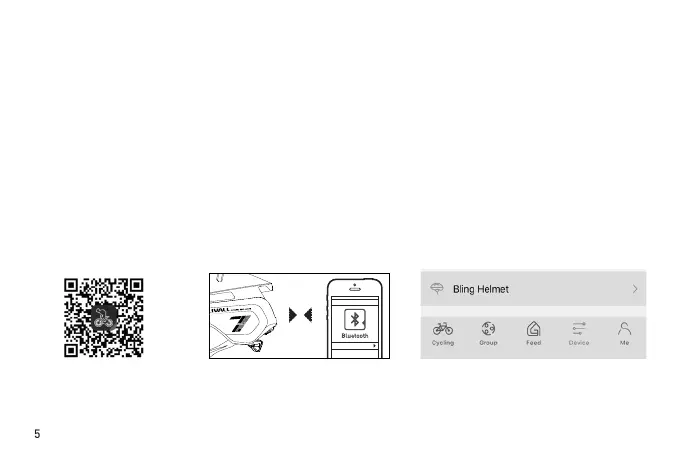
1) Download the LIVALL
Riding App on your
smartphone app store;
2) Turn on the Bluetooth on your
phone and turn on the helmet;
3) Click "Device" in the LIVALL Riding app,
then pair the helmet with your phone
through the app by clicking "Helmet." After
a successful connection, "Helmet" will
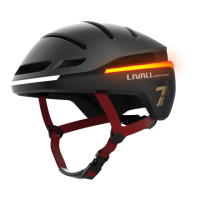
display "EVO21".
Helmetphone


 To Next Page