Using your mobile alarm
When you need help
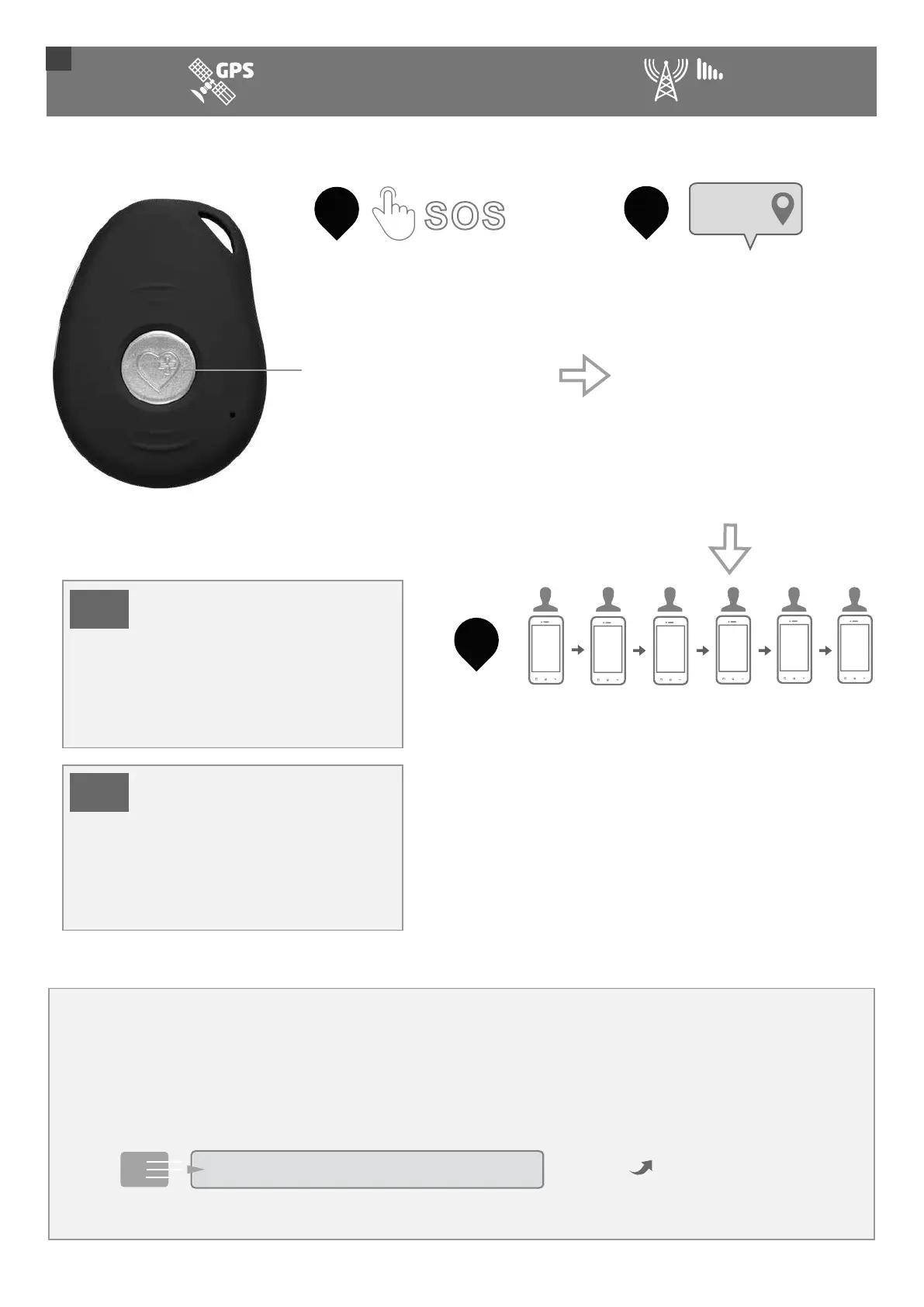
Press the SOS/Help button
down for 1 second till you
feel a vibration. It will
announce “Your mobile alarm
has been activated. Click the
SOS button to cancel” before
it starts to send help texts
and make the help calls. To
cancel these just click the
SOS button within 10
seconds.
1
TIP
SOS
Quick Start Guide
3
MONITORING
4G
X
2
Help text messages sent
The pendant will send a help
text message to all of your
emergency contacts. Mobile
numbers will receive the help
messages along with the
location of the wearer on
Google Maps. If the alarm
was triggered by fall
detection, the messages will
state a fall has been detected.
Margaret.
Help me!
3
Help call sequence begins
The pendant will then begin to call your
emergency contacts in your chosen order, ringing
for 10 secs per contact before trying the next
contact, thereby avoiding voicemail. The ‘Smart
Talk’ announcements will guide you through the
activation process. The first person to answer is
the person who can talk to you. The wearer listens
and speaks through the pendant. Each call is
limited to 3 minutes. Be default the call sequence
loops and tries each contact twice.
1
2
3
4
5
6
Calling the pendant.
Anyone who knows the mobile number of the pendant can call it and it will answer automatically
and hands-free in speakerphone mode. The mobile number is on your packing slip.
Find the location of the pendant using Bluetooth & GPS.
To find out the location of the pendant, send a simple text command to the pendant:
LOC
Send
The device will send a reply text with its location or last known position on Google Maps.
©2021. Live Life Alarms. All rights reserved.
19
The text messages will not be
sent for 15-20 secs after
activation. You can cancel the
text messages and voice calls
by clicking the SOS button
during this time.
The mobile alarm can call
mobiles & landlines. Only
people with mobile phones
will receive the text message
with the location on Google
Maps.
TIP



 To Next Page