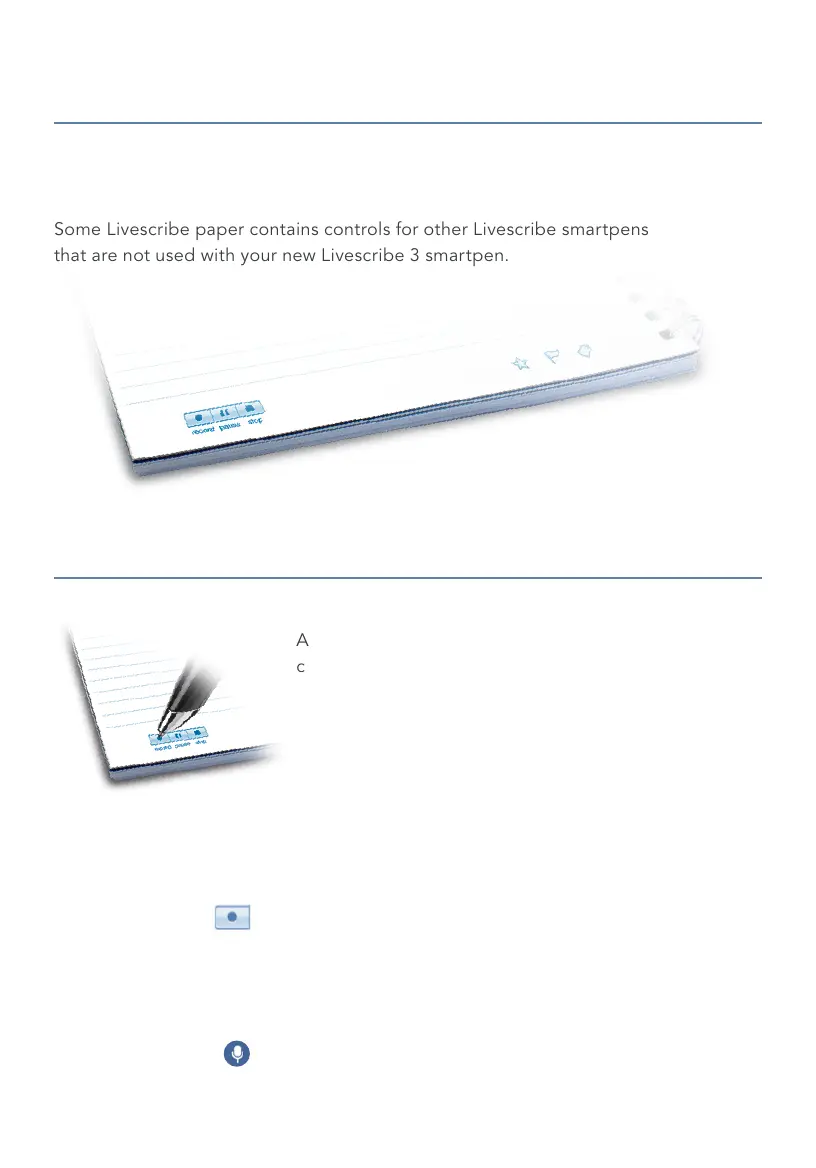
As you write and record audio, pencasts are
created. Pencasts are digital versions of your notes
that have audio recordings synced to them for
interactive playback.
To create pencasts using your Livescribe 3 smartpen,
make sure that your smartpen is on and Livescribe+ is
the active app on your smartphone or tablet. Audio is
recorded using the microphone on your mobile device.
FROM PAPER
Start any audio recording session by tapping your
smartpen on the Record button printed on the bottom
of the page in your Livescribe notebook.
FROM LIVESCRIBE+
Tap the Microphone icon to record a pencast.
English 5
Your Livescribe 3 smartpen is compatible with all Livescribe notebooks.
Livescribe dot paper is available in different sizes and formats.
Some Livescribe paper contains controls for other Livescribe smartpens
that are not used with your new Livescribe 3 smartpen.
LIVESCRIBE
™
DOT PAPER
CREATING PENCASTS



 To Next Page