LIGHT COMMUNICATES
Blinking Green Pairing mode – Waiting for initial Bluetooth
connection with a device
The smartpen must be in this state to pair to a new device
Solid Green Paired with at least one device, but not currently
connected to any
Livescribe+ may not be open, the app may need to scan
for pens, or the device may be out of range
Solid Blue Powered On/Bluetooth connected to mobile device
Blink Yellow 3 Times Approximately 15% of battery life remaining
Blinking Yellow* Firmware update in process
Solid Red Audio recording in process on mobile device
LED Off* Smartpen is off. The smartpen automatically powers
off after four hours of inactivity. Your battery may
need to be recharged.
English 4
3
•
LED STATUS LIGHT
The LED status light communicates important information about your smartpen.
See online help on our website for more details.
4
•
INTEGRATED STYLUS
A removable capacitive stylus tip covers the Micro USB port at the top
of your smartpen.
LITHIUM-ION BATTERY
To check the battery level, tap the smartpen icon in the upper right hand corner
of the Livescribe+ app. Your smartpen must be powered on and paired with your
mobile device (LED indicator Solid Blue).
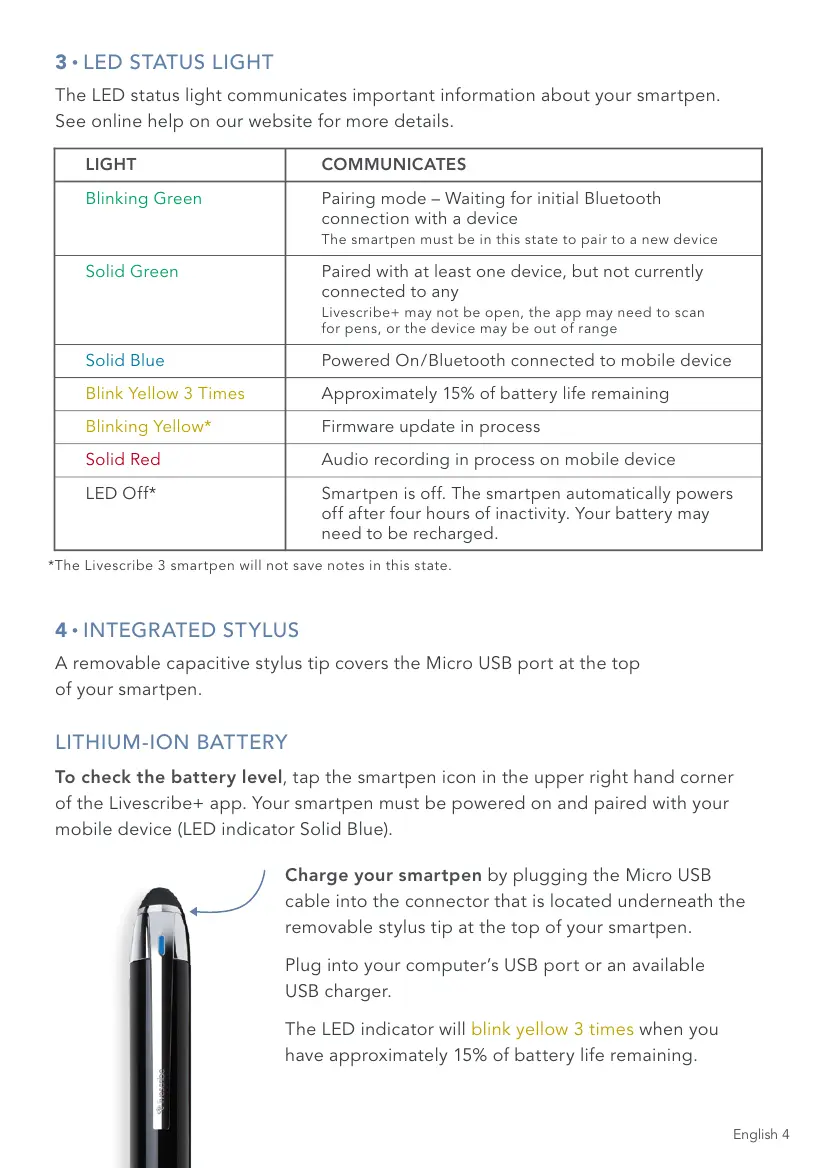
Charge your smartpen by plugging the Micro USB
cable into the connector that is located underneath the
removable stylus tip at the top of your smartpen.
Plug into your computer’s USB port or an available
USB charger.
The LED indicator will blink yellow 3 times when you
have approximately 15% of battery life remaining.
*The Livescribe 3 smartpen will not save notes in this state.



 To Next Page