English 1
GETTING STARTED
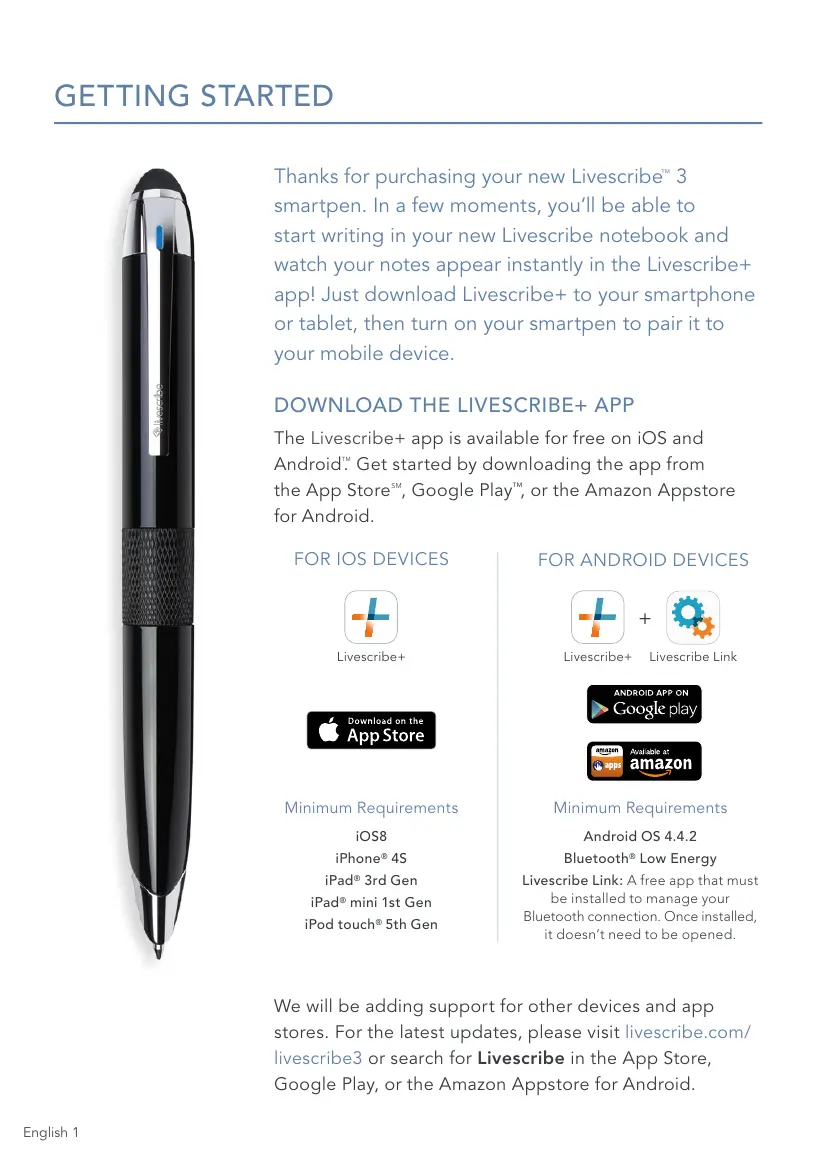
Thanks for purchasing your new Livescribe
™
3
smartpen. In a few moments, you’ll be able to
start writing in your new Livescribe notebook and
watch your notes appear instantly in the Livescribe+
app! Just download Livescribe+ to your smartphone
or tablet, then turn on your smartpen to pair it to
your mobile device.
DOWNLOAD THE LIVESCRIBE+ APP
The Livescribe+ app is available for free on iOS and
Android
TM
.
Get started by downloading the app from
the App Store
SM
, Google Play
™
, or the Amazon Appstore
for Android.
We will be adding support for other devices and app
stores. For the latest updates, please visit livescribe.com/
livescribe3 or search for Livescribe in the App Store,
Google Play, or the Amazon Appstore for Android.
FOR IOS DEVICES
Minimum Requirements
iOS8
iPhone
®
4S
iPad
®
3rd Gen
iPad
®
mini 1st Gen
iPod touch
®
5th Gen
Minimum Requirements
Android OS 4.4.2
Bluetooth
®
Low Energy
Livescribe Link: A free app that must
be installed to manage your
Bluetooth connection. Once installed,
it doesn’t need to be opened.
Livescribe+ Livescribe+ Livescribe Link
+
FOR ANDROID DEVICES



 To Next Page