LKC Technologies, Inc.
2 Professional Drive, Suite 222, Gaithersburg, MD 20879 USA
t: +1 301.840.1992 | e: sales@lkc.com | www.lkc.com
LKC Europe | Finland
t: +358 40 8486625 | e: europe@lkc.com | www.lkc.com
Reordering electrodes? Please visit LKC’s online store at store.lkc.com.
5
6
7
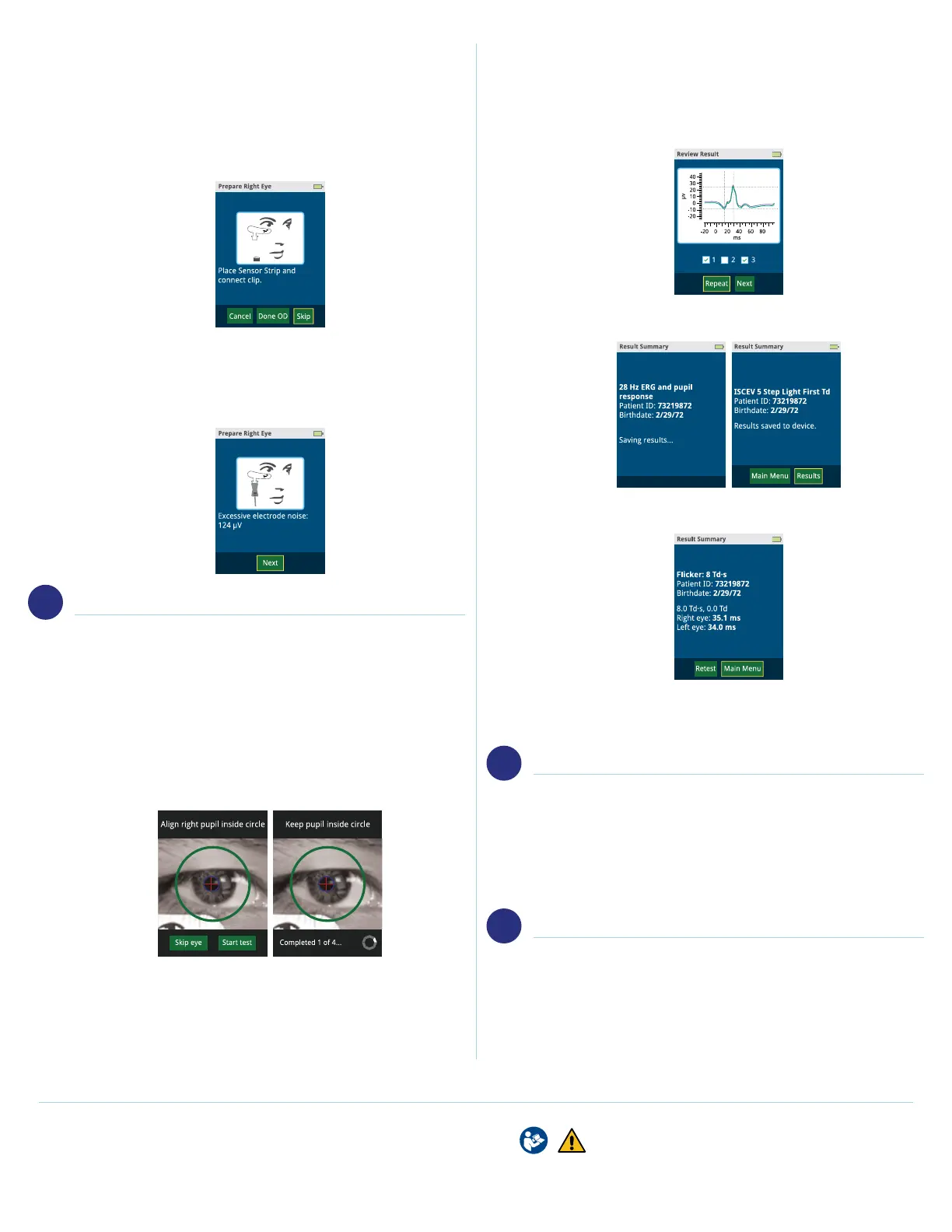
2. The screen will present opons prior to connecng the
Sensor Strip electrode to the Sensor Strip lead. “Cancel”
will cancel the enre test. “Done OD/OS” will skip all tests
of the specied eye. “Skip” allows the user to skip current
test step.
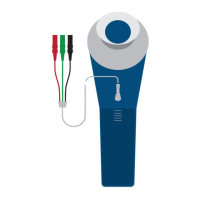
3. Connect the Sensor Strip electrode to the Sensor Strip
lead. The blue tab should face outwards. The device will
verify that your electrode is connected securely, and that
the electrode noise is suciently small enough to proceed.
Select “Next”.
BEGIN TEST
1. Place the eye cup of the device so that it rests evenly over
the paent’s right eye rst, if doing bilateral test. Inform
the paent to focus on the red light in the center of the
ganzfeld. Ensure the paents pupil is located within the
green circle shown on the screen. Select “Start test”.
Device will progress through each step.
• TIP: For Td protocols, the whole pupil must be visible to
the operator. The test will not proceed if it is not visible.
Make sure to wait for the blue circle with red crosshatch
to appear over the pupil.
2. Upon compleon of a step, certain protocols will allow you
to review the waveform. If you are sased, select “Next”,
or select “Repeat” to repeat the step again.
3. Aer all steps are completed, the device will automacally
save the results.
4. You will have the opon to “Retest” the paent once
you’ve viewed their results
5. Once tesng is completed, disconnect the Sensor Strip
lead from the electrode. Remove electrodes from paent’s
face.
FILE REPORT
1. Connect the RETeval device’s docking staon to your
computer using the USB cable. Set the RETeval device in
the docking staon. On your computer, the RETeval device
will show similar to an external thumbdrive. To access the
PDF reports, locate the “Reports” folder, which is sorted
by date modied. The PDF report follows the format of
“PaentID_DOB_TimeStamp”.
CLEAN DEVICE
1. Cleaning of the eyecup and Sensor Strip lead is
recommended between paent uses. The RETeval device
exterior can be cleaned with either 70% isopropyl alcohol
or alkyl dimethyl benzyl ammonium chloride.
Refer to user manual before use. RX only.
© 2020 LKC Technologies, Inc. US 92-078.008.001 5/2020
Part #: 96-047 5/20/2020


 To Previous Page
 Loading...