17
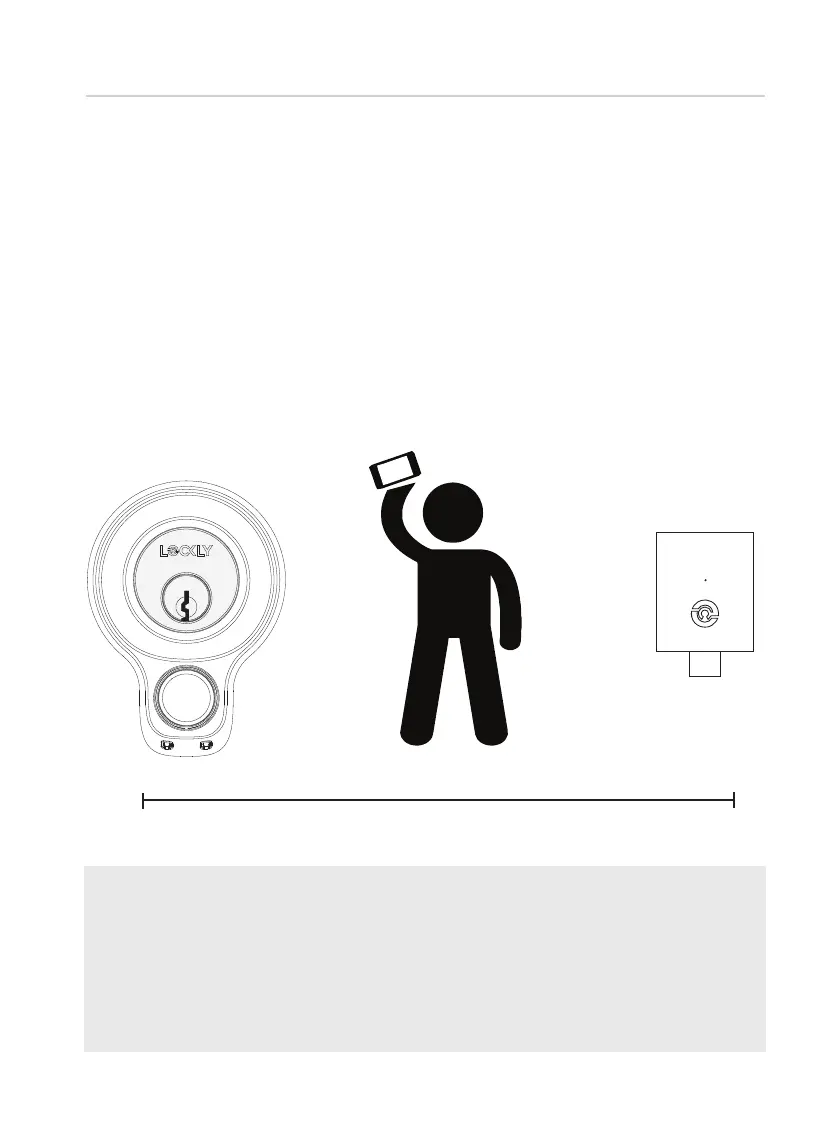
30 Feet (9 meters)
Distance Between
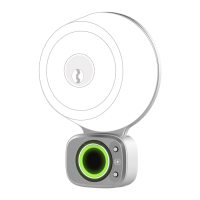
Lockly Smart Lock Secure Link Wi-Fi Hub
You
Using an iOS or Android™
Device with Bluetooth &
Wi-Fi enabled
Step 9
SECURE LINK WI-FI HUB SETUP
TIP: The Secure Link requires a strong wireless signal for optimal perfor-
mance. Make sure the Secure Link will be installed in a location with a
strong 2.4 Ghz wireless signal. Sometimes distances between Wi-Fi hub
and lock can vary due to circumstances. If you are having difficulty
setting up optimal range of 30/ft or less, we’re here to help. Call our
customer care team: (669) 500 8835, or visit Lockly.com/help for
suggestions and troubleshooting tips.
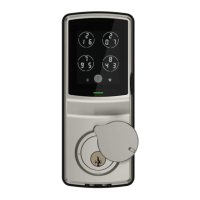
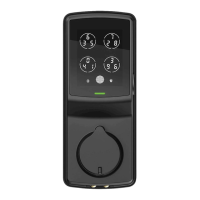
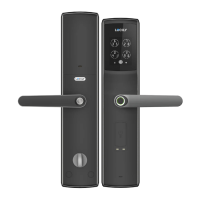
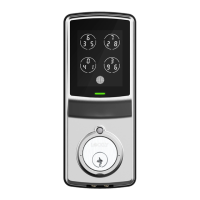
To set up your Lockly Access Touch Pro, choose an appropriate location
for the Secure Link Wi-fi Hub for optimum performance (see below). For
optimum connectivity, it is recommended that the hub be no further
away from the lock than 30 feet (9 meters).
During the setup process position yourself between the lock and the
Secure Link Wi-Fi Hub—ideally no more than 30 feet (9 meters) apart.
Ensure your iOS or Android device has both Bluetooth and Wi-Fi enabled.



 To Next Page