18
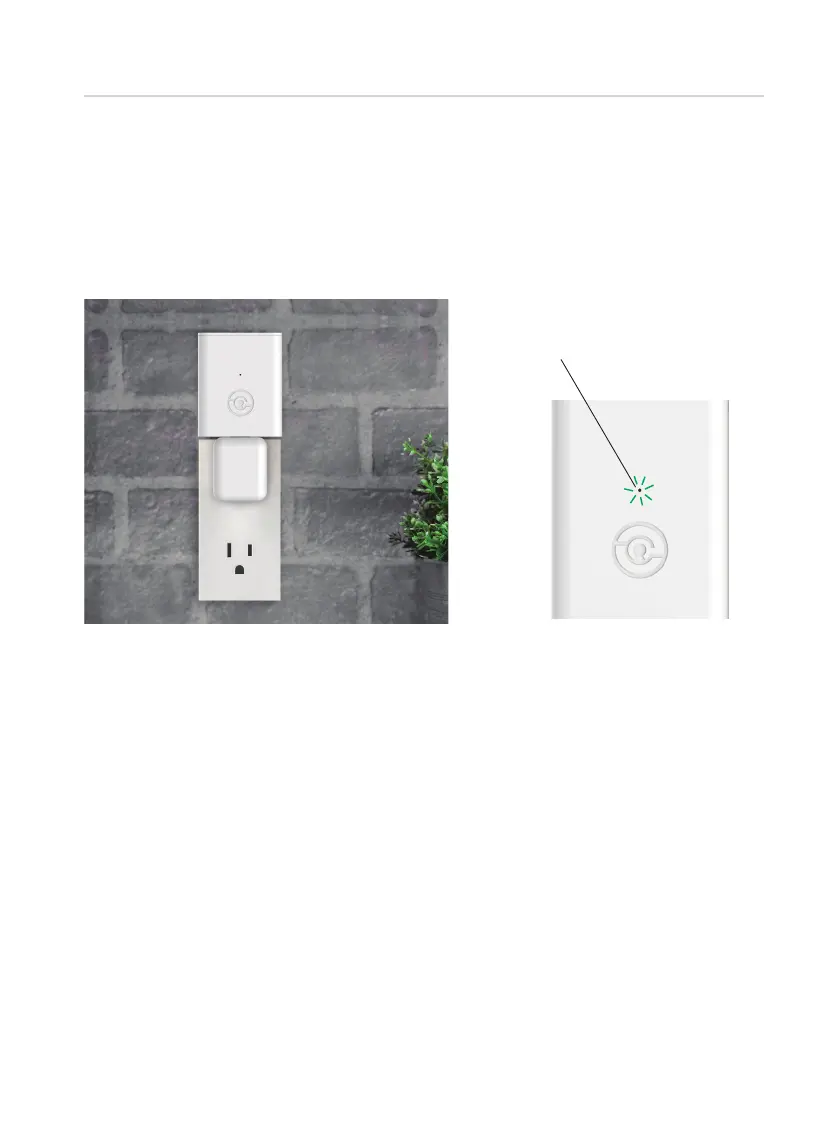
Plug the Secure Link Wi-Fi Hub into the 5V 1A USB AC adapter and plug
the AC adapter to your wall socket.
Once you have confirmed that your Secure Link Wi-Fi Hub is ready to
connect to your lock, open the Lockly App from your smartphone.
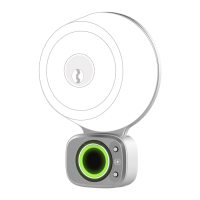
Make sure you are standing between the Wi-Fi hub and Lockly smart
lock
, then Add New Device and follow the on screen instructions.
USA Outlet Shown
A GREEN LED indicator light will flash
slowly to indicate that the Wi-Fi Hub
is ready to connect.
LED Indicator is located next
to the Setup Button
SECURE LINK WI-FI HUB SETUP
Step 9
continued



 To Next Page