16
If your lock is not properly installed, it will open and close repeatedly at times
and/or battery life will be reduced.
Once self-check completes ensure the lock operates smoothly by manually locking
and unlocking the door using the thumb turn on the interior assembly. The deadbolt
should operate smoothly without any interference or binding. If necessary, repeat
steps 3 & 4 and ensure that (a) the deadbolt was extended and (b) The spindle/torque
blade was properly mated and aligned to the interior back assembly.
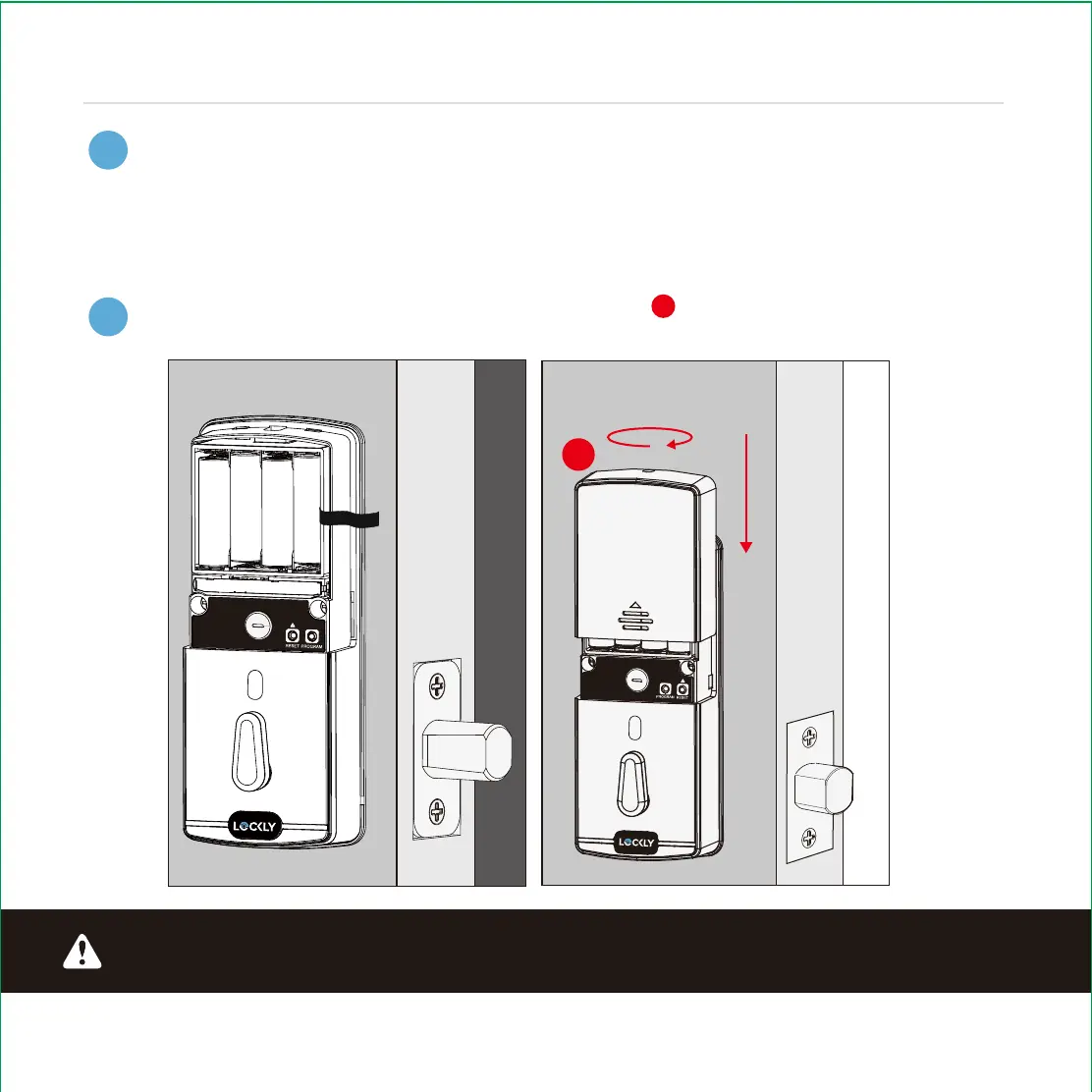
Once self-check is complete, install battery cover , secure with screw on top (do
not over tighten).
INSTALLING BATTERIES
J
J
3
4
5 6 7 8
Step 5
continued
IMPORTANT:


 To Next Page