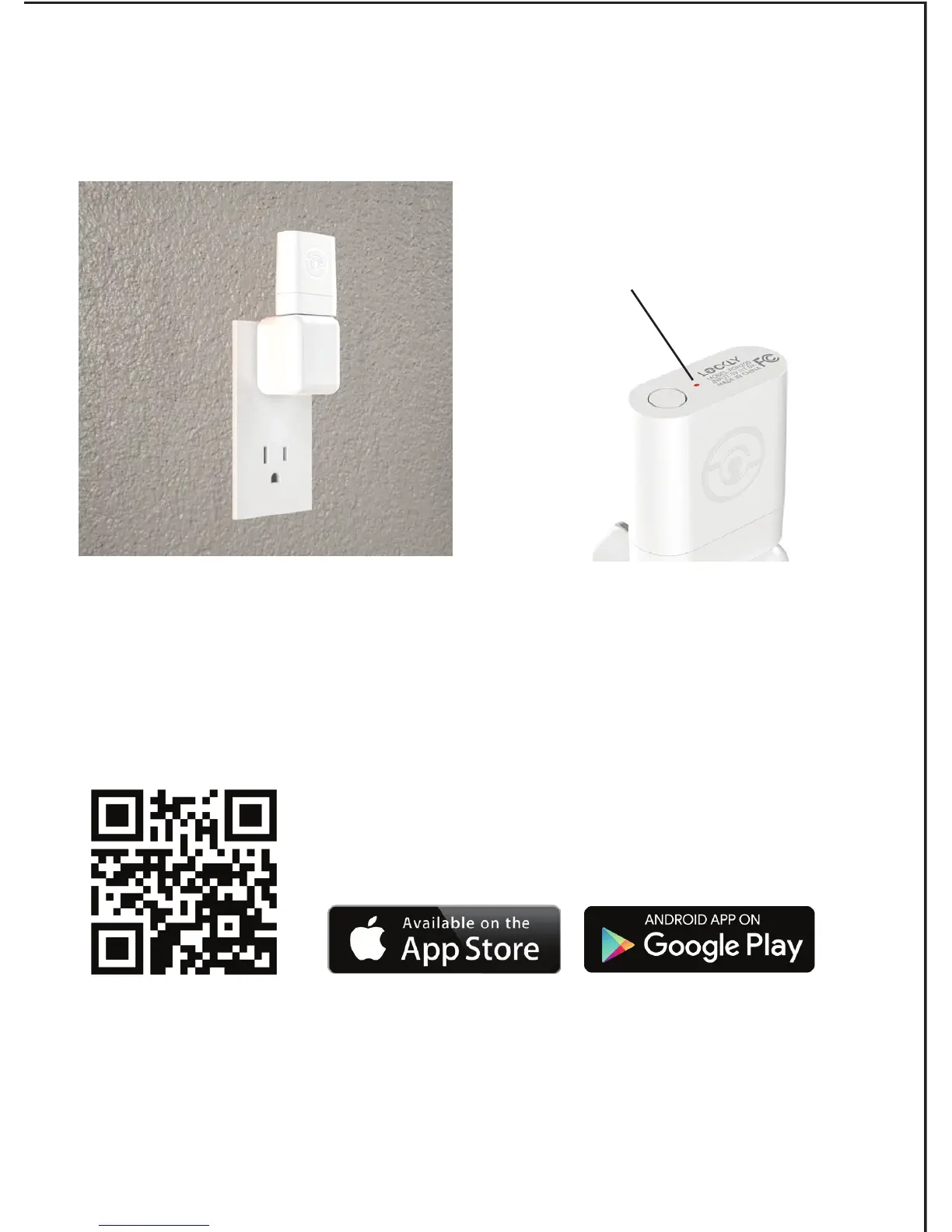
Plug the Secure Link Wi-Fi Hub into the 5V 1A USB AC adapter and
plug the AC adapter to your wall socket.
USA Outlet Shown
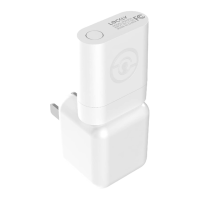
A red LED indicator light will
flash slowly to indicate that the
Wi-Fi Hub is ready to connect.
LED Indicator is
located next to the
Setup Button
Once you have confirmed that your Secure Link Wi-Fi Hub is ready
to connect to your lock, open the Lockly™ app to get started.
In case you have not downloaded our app,
you can scan the QR code to the left or visit
https://lockly.com/app
Make sure you have already created an account and setup your
Lockly device to the Lockly app to continue.
Before you continue the Secure Link Wi-Fi Hub set up on your app,
proceed to the next page to learn more about using the Secure Link
Wi-Fi Hub and best practices for connectivity.


 To Next Page