3
1. Setting up the
Secure Link Wi-Fi Hub
You should install the Secure Link Wi-Fi Hub after you have
successfully finished installation and set up of your LOCKLY
®
Smart
Lock. Refer to your appropriate LOCKLY Smart Lock Installation
Guide and User Manual that came with the lock for reference.
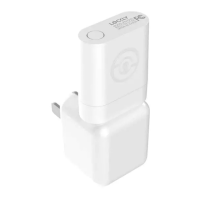
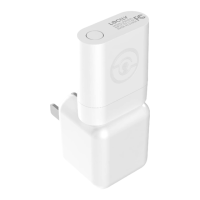
The Secure Link Wi-Fi Hub (Part A) can be plugged into any
standard 5V 1A USB port or use the UL certified USB AC adapter
included in this box (recommended).
For best connectivity, choose an appropriate location for the
Secure Link Wi-Fi Hub for optimum performance (see below).
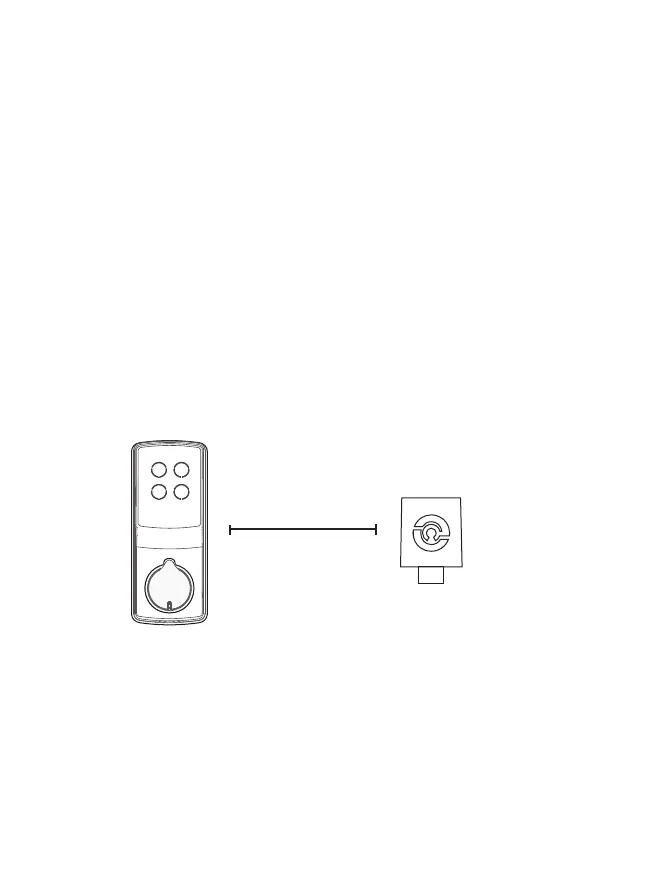
For optimum connectivity, it is recommended that the hub be no
further away from the lock than 30 feet (9 meters)
LOCKLY
®
Smart Lock
PGD728 Series Shown
as reference only
Secure Link Wi-Fi Hub
Part A Shown Above
as reference only
30 Feet (9 Meters)
Distance Between
In order for your Secure Link Wi-Fi Hub to connect to the internet, you must have
a Wi-Fi network with a radio signal emitting 2.4 GHz. All modern Wi-Fi devices
support 2.4 GHz connections while some equipment supports both 2.4 GHz and 5
GHz. Please check with your network administrator or internet provider if you’re
unsure what kind of network you have.
Proceed to the next page to read how to finish set up of your Wi-Fi Hub.


 To Next Page