17SECTION 4.6
4.6 Pairing to a New Mobile Device
Pair with Bluetooth
If you are pairing a new device or have performed a factory reset in the APP, you can directly
refer to Section 3.3. Your Lockly Smart Safe can be Bluetooth paired without entering Programming
Mode. Otherwise please follow the steps below to pair with Bluetooth.
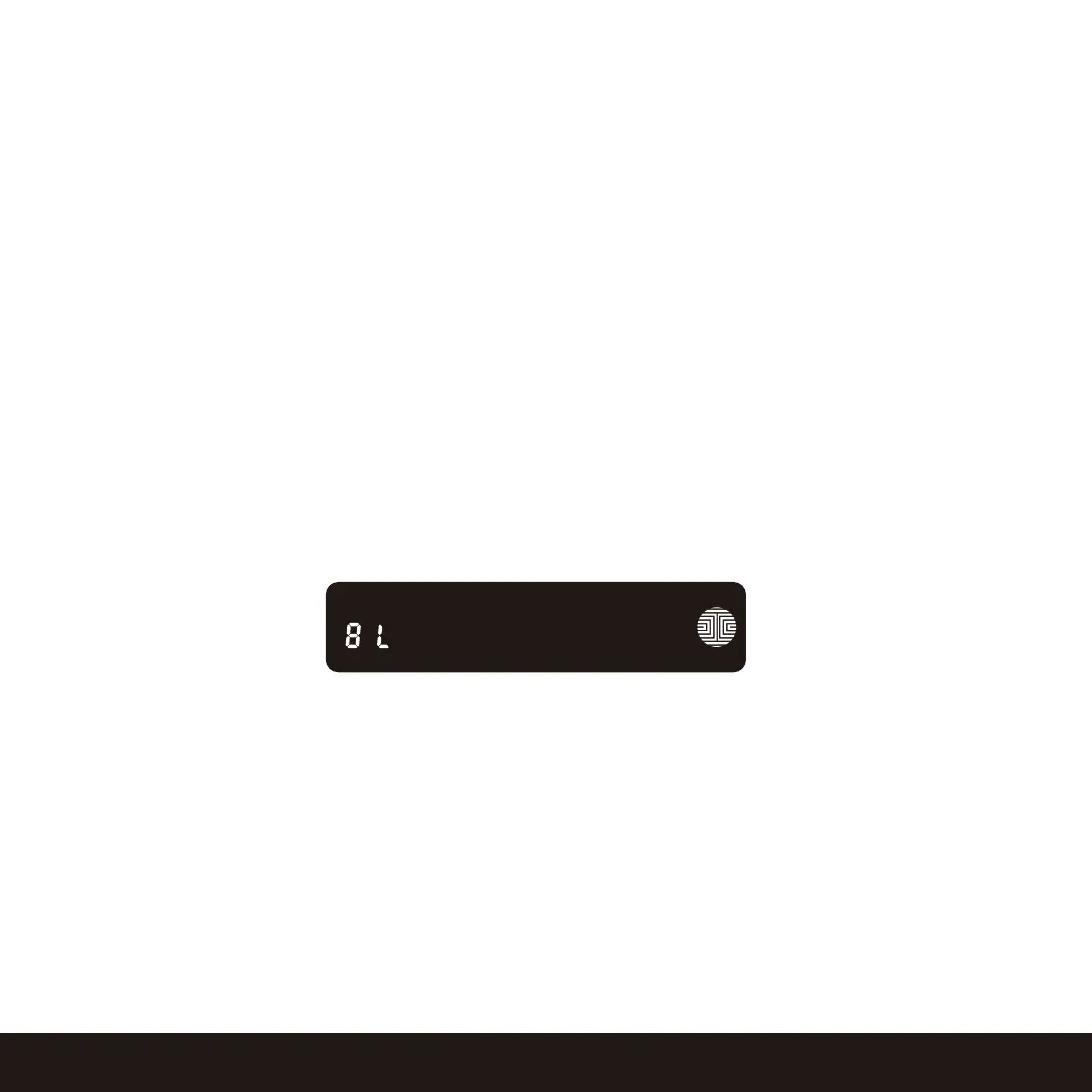
While in Programming Mode, select “BL” to pair a new smart phone. If you are not in Programming
Mode, please see Section 4.4 to enter Programming Mode.
After pressing “BL”, the BL icon will flash and you will here two short beeps. Lockly Smart Safe will wait
for the new device to pair, please refer to Section 3.3 to reconnect Your Lockly Smart Safe.
You will hear long beep and the green light will be on if the pairing is successful. You will here 3 short
beeps and the red light will be on if pairing is unsuccessful. You will need to re-enter the programming
mode, then Bluetooth pairing mode "BL" to pair the device.


 To Next Page
 Loading...