EasyManua.ls Logo

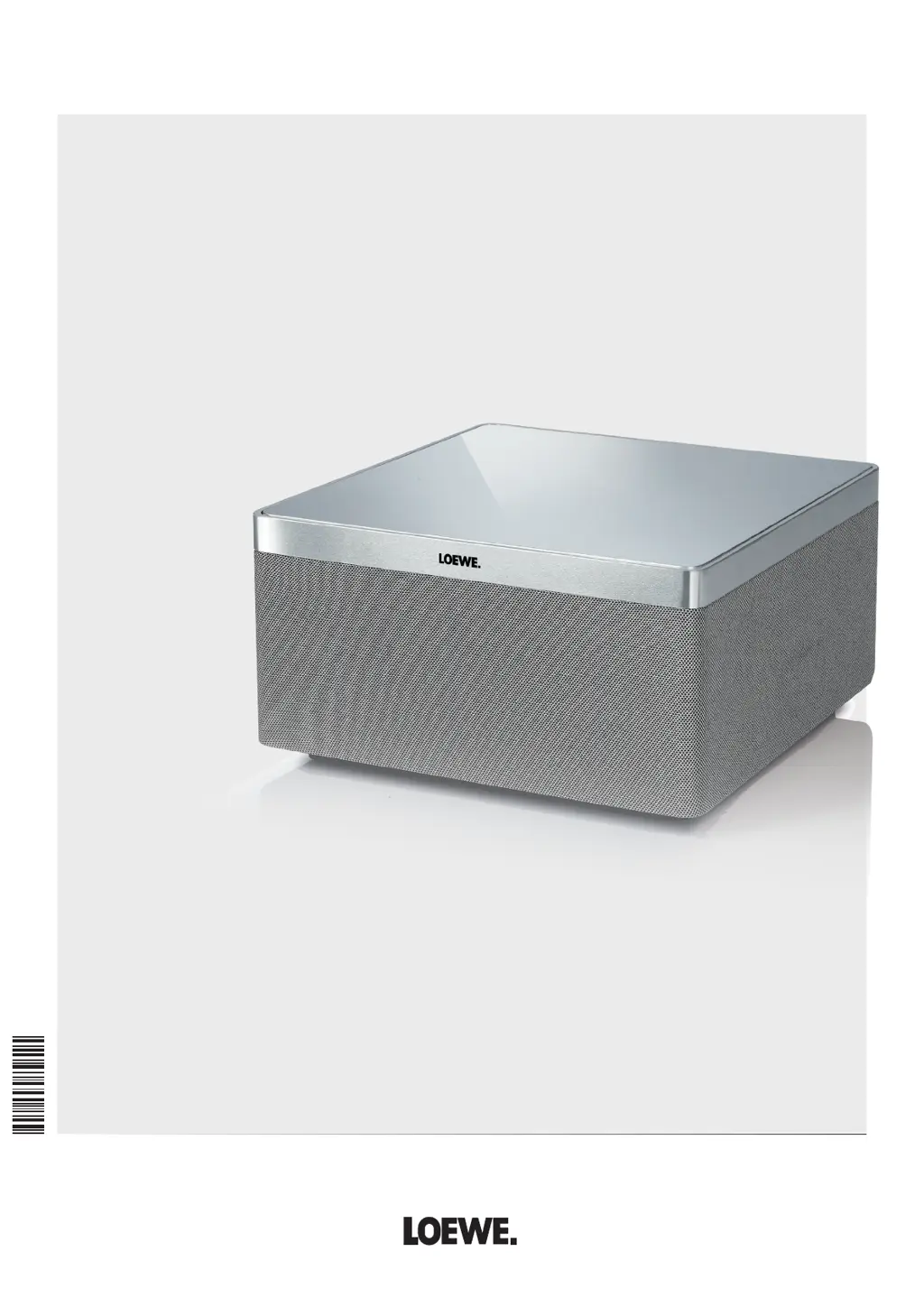
Loewe AirSpeaker ID - User Manual

Loewe AirSpeaker ID
14 pages
Print Icon
To Next Page IconTo Next Page
Loading...
35041002
3 5 0 4 1 0 0 2
Audiodesign
AirSpeaker ID
Bedienungsanleitung, Operating instructions, Mode d‘emploi
Istruzioni per l‘uso, Instrucciones de manejo, Gebruiksaanwijzing
Manual de instruções, Kezelési útmutató, Instrukcja obsługi, Návod k obsluze

Questions and Answers

  • J
    Jessica AustinAug 3, 2025
    Why is there no sound coming from my Loewe Speakers?
    • L
      Linda LopezAug 3, 2025
      If there is no sound from your Loewe Speakers, check the input cable connections for defects and ensure they are correctly connected. If the problem persists, the cable itself might be faulty. Also, verify that the volume isn't set to the minimum. Finally, check if the sound is muted and, if so, press V+ on the remote to reactivate the audio and adjust the volume.
  • A
    Aaron NewtonAug 10, 2025
    What to do if my Loewe AirSpeaker ID Speakers unit is not working properly?
    • J
      Joseph HunterAug 10, 2025
      If your Loewe Speakers are not working properly, unplug the mains plug from the socket and plug it back in after 90 seconds. If that doesn't work, press the Reset button for more than 10 seconds to restore the default settings. Disconnect the device from the power supply for 90 seconds, then perform the basic settings again.
  • T
    Tammy SmithAug 17, 2025
    Why do I have sound interruptions during AirPlay playback on my Loewe AirSpeaker ID?
    • J
      James GeorgeAug 18, 2025
      If you experience sound interruptions during AirPlay playback on your Loewe Speakers, it may be due to other devices transmitting on the same radio channel. Try connecting the AirSpeaker ID to a wired network or setting a free radio channel on your WiFi router.
  • D
    Dawn MooreAug 26, 2025
    Why does iPod playback stop and another title play on my Loewe AirSpeaker ID?
    • S
      Shane PowellAug 26, 2025
      If the iPod playback stops and another title is played on your Loewe Speakers, the iPod function “Shake to Shuffle” might be activated. Deactivate this function in your iPod settings.

Summary

Control elements

Welcome

Scope of supply

Lists items included with the Loewe AirSpeaker ID, such as mains and network cables.

Accessories

Mentions optional accessories like inlays in various colours for customization.

Cleaning

Provides instructions for cleaning the unit's aluminium surface and speaker grille.

For your safety

Details safety advice and precautions to prevent damage and ensure safe operation of the unit.

Set-up

Example configurations

Shows visual examples of how the AirSpeaker ID can be set up and connected.

Connection

Explains how to connect the AirSpeaker ID to a home network via LAN and external audio sources via AUX.

Switching on;off

Describes the procedures for powering the unit on, switching to standby modes, and powering off.

Network

Wired network

Details automatic network setup for wired connections when a DHCP server is present.

Wireless network - Configuration page

Guides users on configuring the AirSpeaker ID for wireless networks via a direct PC connection.

Start-up

Network settings

Explains how to configure network parameters like Device Name, SSID, encryption type, and IP settings.

Indicators

Describes the meaning of different LED indicator lights on the unit's buttons for various states.

Software update

Instructs on how to download and install software updates for the AirSpeaker ID.

Control

Airplay playback

Explains how to play audio wirelessly from compatible Apple devices using AirPlay.

Playing from external audio sources

Details how to connect and play audio from external analogue sources using the AUX input.

iPod operation

Describes connecting an Apple device via USB for audio playback and charging.

Troubleshooting

Technical Data

Environmental protection

Provides information on the proper disposal of electronic appliances and batteries.

Legal information

Includes company details, contact information, and VAT ID for Loewe Opta GmbH.

Trademarks

Declaration of conformity

States compliance with EU directives and general conformity requirements.

Loewe AirSpeaker ID Specifications

General IconGeneral
BrandLoewe
ModelAirSpeaker ID
CategorySpeakers
LanguageEnglish

Related product manuals