Loewe bild
User handbook
115
Rotate TV
Here you can set the turning range for a Loewe motorised rotary foot
and set the switched off position of your TV set.
To connect a motorized rotary foot, you need the Motor unit con-
nection. This is found at the rear of your TV set
(1
.
Menu item Rotate TV appears only if you have an installation with
motorized stand.
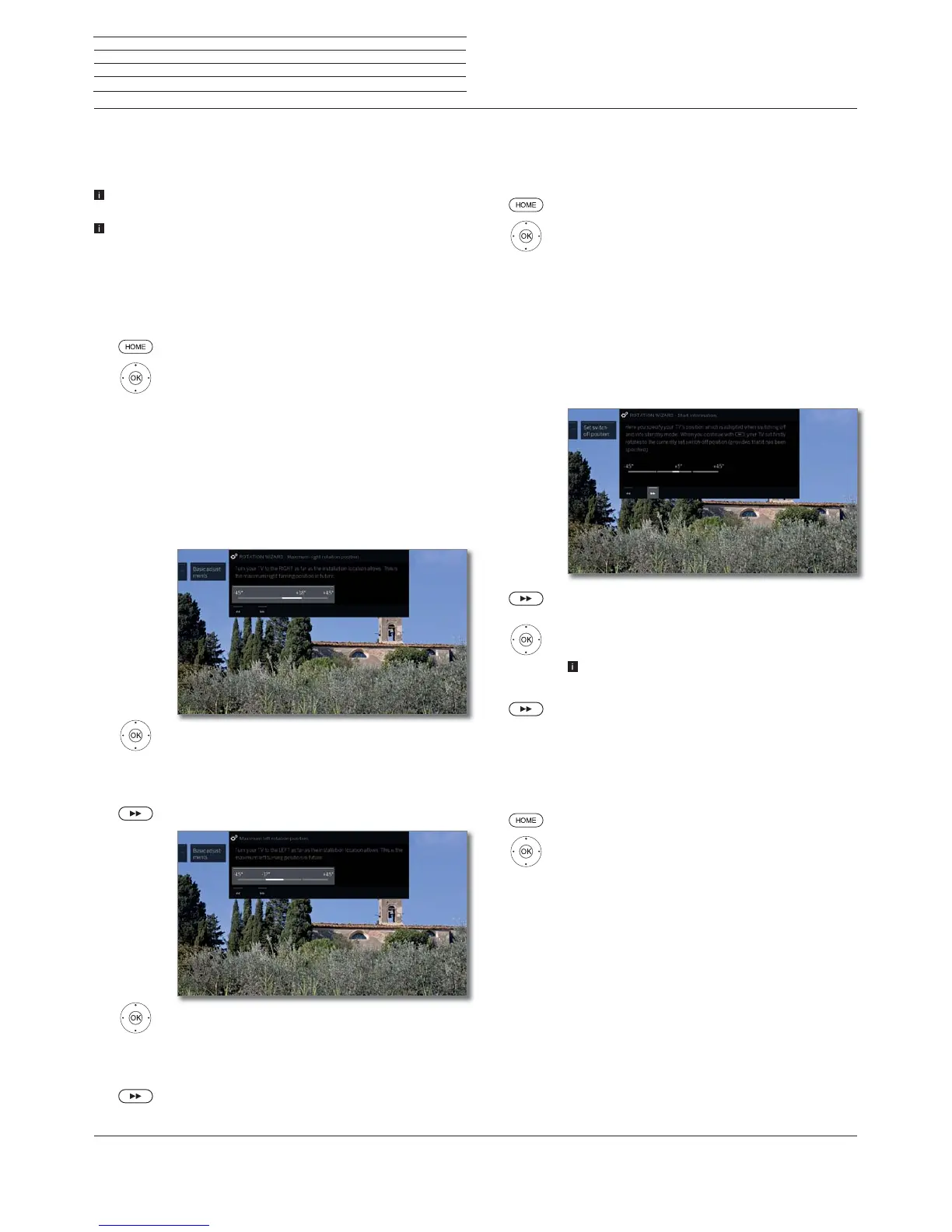
Setting the range of rotation (rotation wizard)
By means of the rotation wizard you can define the rotation range of
the TV set (maximum +/- 45 degrees) by setting the maximum right
and left stop position.
HOME: Call Home view.
Mark System settings,
OK call System settings.
Mark Control,
go to next column.
Mark more ...,
call other settings.
Mark Rotate TV,
go to next column.
Select Basic adjustments,
call Basic adjustment.
Basic adjustments (to the right)
Rotate your TV set to the right as far as the
installation site allows.
This will be the maximum right rotation position
in future.
proceed.
Basic adjustments (to the left)
Turn your TV set to the left as far as the installation
site of your set allows.
This will be the maximum left rotation position in
future.
End of wizard.
Specifying the switch-off position
This is where you specify the position that the TV will take when it is
switched off. In order for the TV set to return to the determined switchoff
position when switching it off, this must be activated (see below).
HOME: Call Home view.
Mark System settings,
OK call System settings.
Mark Control,
go to next column.
Mark more ...,
call other settings.
Mark Rotate TV,
go to next column.
Select Set switch-off position,
call Set switch-off position.
Call dialogue for setting the new switch-off
position.
Set desired switch-off position.
The switch off position can only be defined within
the set rotation range (see left column).
End of wizard.
Activating the switch-off position
If the TV set is switched off with the on/off key on the remote control or
at the control panel then it will turn to the defined switch-off position.
When it is switched back on, it returns to the position last set.
HOME: Call Home view.
Mark System settings,
OK call System settings.
Mark Control,
go to next column.
Mark more ...,
call other settings.
Mark Rotate TV,
go to next column.
Select Activate switch-off position,
go to the next menu line below.
Select yes,
OK adopt.
System settings
Control
(1
Availability varies by device type (see chapter Technical data - equipment features for your TV set).



 To Next Page