8
Installation possibilities
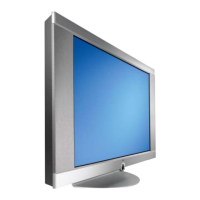
You can install the Loewe Concept L 42 in two
ways:
As a desktop unit with the pre-assembled
stand
as a wall unit which you can hang on the wall
like a picture. See also the enclosed mounting
instructions.
•
•
Initial Remote Control
Setup
+
+
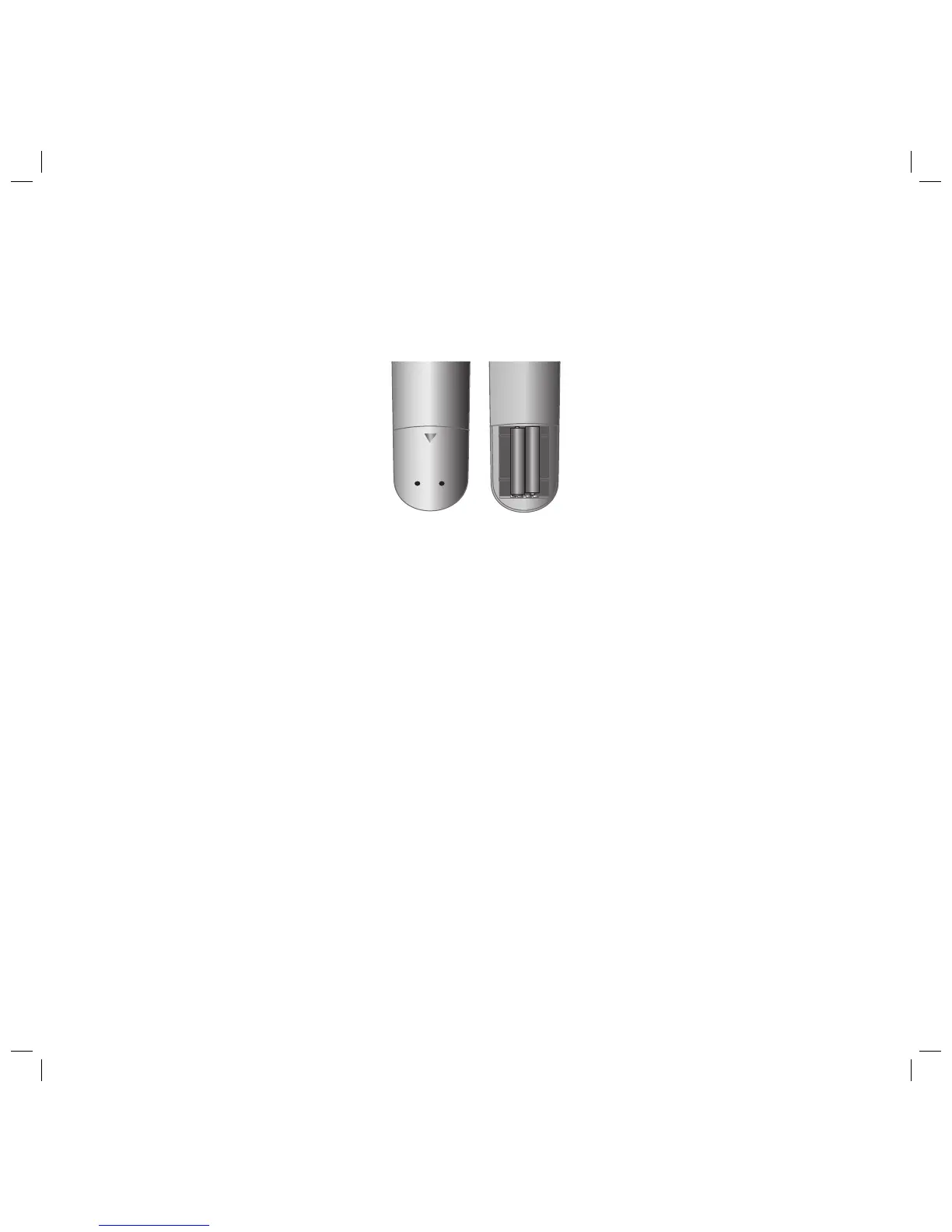
To insert or change the batteries, press on the
imprinted arrow. Sldie off and remove the bat-
tery compartment cover. Insert alkaline-manga-
nese LR 03 (AAA) type batteries and make sure
the + and – poles are aligned correctly.
Then, replace the cover.
Initial installation
Connection
Mains
Connect the TV set to a 115-240V/50-60 Hertz
outlet with protective earth.
Antenna
Connect your antenna or cable system to the
antenna socket to the ANTENNA IN antenna
socket
on the back of the signal box.
32241 Concept L42_Buch_GB.indd 832241 Concept L42_Buch_GB.indd 8 11.02.2005 14:09:19 Uhr11.02.2005 14:09:19 Uhr


 To Next Page