- 18
Setting the sound
Volume and other frequently used sound settings
Setting the volume
by using or OK, you can call other sound settings ...
and select using ...
use for the related selection/setting ...
... and use to make the selection/setting there.
Sound adjustment allows you to adjust the sound characteristics to the station‘s
sound. The Sound effects settings allow you to expand a Dolby Pro Logic Signal
to a virtual surround signal by using “Dolby Virtual“; by using “Panorama“, you
can enhance the foundation of the stereo sound virtually for the loudspeakers.
Sound off/on
Sound off;
Sound on: Press button again or adjust volume.
Other sound settings:
Call the Sound menu
use to select the sound function to be set and use for
the related selection ...
and use to select/set.
Sound settings: Treble and bass. Different menu items are displayed depend-
ing on the connected audio device (AURO, hi-fi amplifier). Under “more ...“ you
will find the sound selection for loudspeakers and headphones, auto volume,
headphone volume, AV audio signal, maximum volume and balance.
Picture settings
Call up TV menu.
Select „Image“ with and selection with .
Use to mark image functions to be set.
Use for setting ...
... and use to select/set.
Picture settings: Picture adjustment, Contrast, Colour, Brightness, Sharpness.
Under “more ...“, you can find settings for Image+
3
, Picture format, Move
picture up/down, Auto format and Film quality improvement DMM
3
.
Direct control on TV set
On page 4, you can find illustrations of the control unit located on the set.
Switching station on the TV set
Station up: with + on the control ring
Station down: with – on the control ring
Switching the radio on/off or switching over to the radio
Press R to switch the radio on or off.
Additional functions via the menu
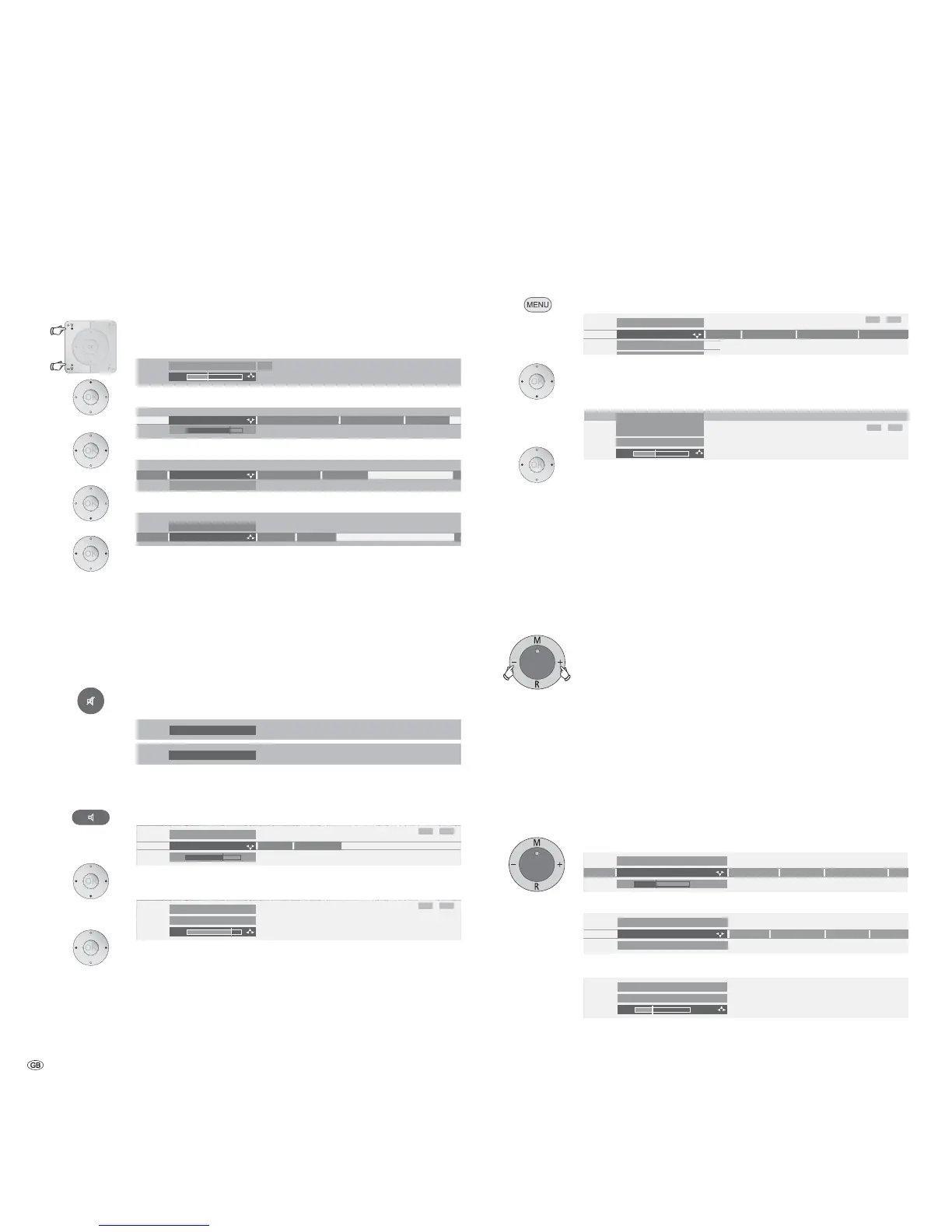
In the radio or TV operating modes, you can make settings for Volume,
Brightness, Contrast, Picture format and Stations. “Service” is intended for the
customer service department.
use M to call the menu
use – or + to select the function to be set
use R for the related setting/selection
use – or + to set/select.
Use M to move one level up; you can use – or + to select other functions.
Daily operation














 To Next Page