EasyManua.ls Logo

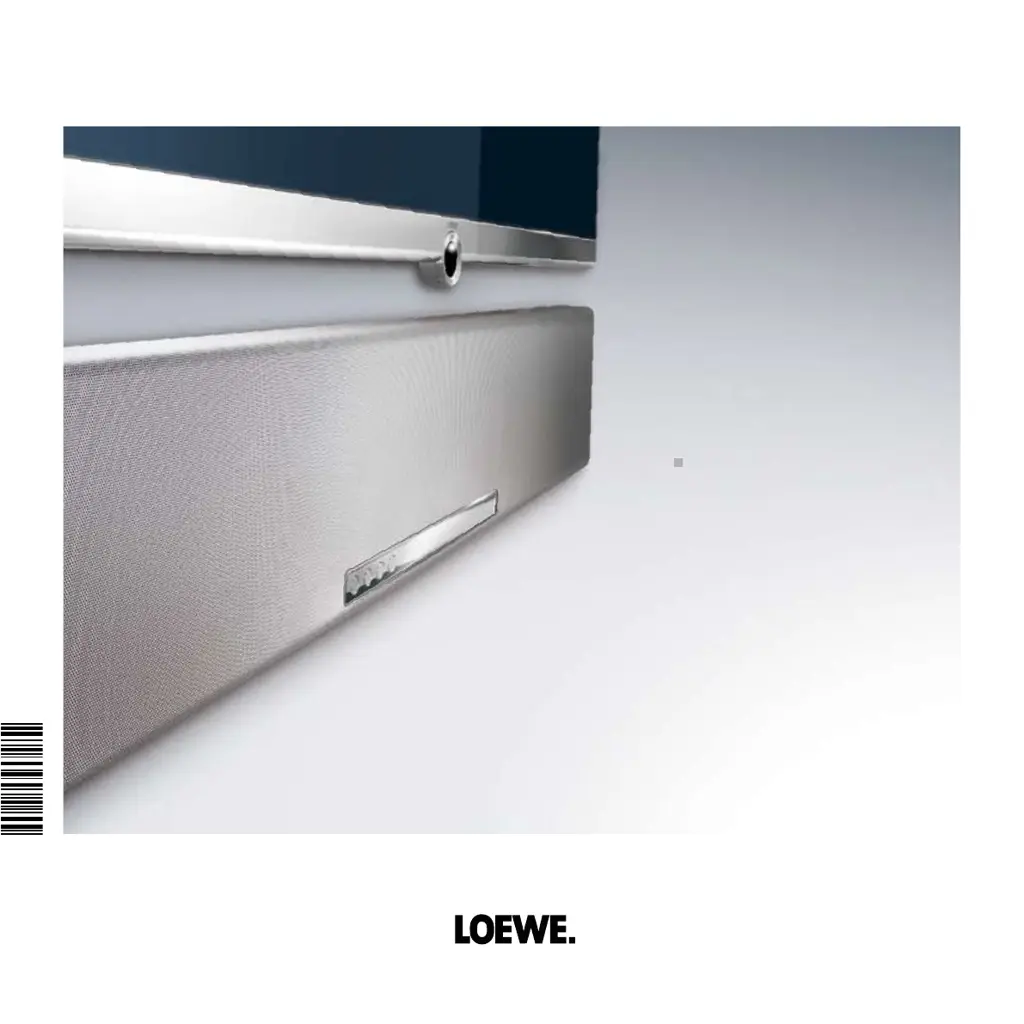
Loewe Individual Sound Projector - User Manual

Loewe Individual Sound Projector
30 pages
Print Icon
To Next Page IconTo Next Page
Loading...
Operating Manual
Audio
Individual Sound Projector
233–33149.020
3 3 1 4 9 0 2 0

Table of Contents

Other manuals for Loewe Individual Sound Projector

Questions and Answers

  • A
    Andrew LeeAug 19, 2025
    Why is there no sound coming from my Loewe Speaker System?
    • D
      David OwensAug 19, 2025
      If your Loewe Speaker System produces no sound, first ensure that all input or output cables are properly connected. If the problem continues, the cables may be faulty. Next, verify that a suitable input source is selected using AUX (PIP) or SOURCE. Also, check that the volume isn't set to the minimum and that the mute function is not active. Press V + on the remote control to restore audio output and adjust the volume. Finally, ensure the unit can process the signal being transmitted from the source component; if you are using PCM signals with a sampling frequency of over 96 kHz, try a different signal source.
  • M
    Megan NashAug 21, 2025
    What to do if my Loewe Speaker System suddenly switches to standby?
    • C
      Carl DunnAug 21, 2025
      If your Loewe Speaker System suddenly switches to standby, it's likely due to the internal temperature being too high, which activates a protective circuit to prevent overheating. Wait approximately one hour for the unit to cool down before switching it on again.
  • A
    Ashley RodriguezAug 23, 2025
    Why is there noise interference from my Loewe Individual Sound Projector without a subwoofer?
    • M
      Matthew KelleyAug 25, 2025
      If you are getting noise interference and no subwoofer is connected to your Loewe Speaker System, try reducing the volume. This issue may occur if the protective circuit is active because a source with strong bass elements is being played.
  • W
    wongmichelleAug 26, 2025
    Why is there no sound from the effect channels on my Loewe Individual Sound Projector?
    • S
      Steve DiazAug 26, 2025
      If you're not getting any sound from the effect channels on your Loewe Speaker System, you may be trying to play back the signal source or the program in stereo. Press one of the sound field program buttons on the remote control to select a multi-channel playback mode and try again to play back the signal source or the program.
  • D
    Debra PetersAug 27, 2025
    What does ERROR E-6 mean on Loewe Individual Sound Projector Speaker System and how to fix it?
    • B
      Benjamin LoweAug 28, 2025
      If ERROR E-6 appears on your Loewe Speaker System, it means that the optimization microphone cannot receive the noise produced by the unit because the noise output level is too low. Ensure that the optimization microphone is firmly connected to the unit and has been set up properly.
  • L
    Lynn BurnsAug 30, 2025
    What does ERROR E-1 mean on Loewe Speaker System and how to fix it?
    • D
      Derek LeeAug 30, 2025
      If you see ERROR E-1 on your Loewe Speaker System, it means your listening room has too much unwanted noise. Ensure that it is as quiet as possible in your listening room and choose a time of day when there is less noise outside.
  • M
    Mary HamiltonSep 1, 2025
    What does ERROR E-5 mean on Loewe Individual Sound Projector Speaker System and how to fix it?
    • G
      George QuinnSep 1, 2025
      If you see ERROR E-5 on your Loewe Speaker System, it means that the optimization microphone is not positioned at the right distance from the unit. Ensure that the optimization microphone is more than 1.8 m from the front of the unit and is within 1 m of the average height of the unit.
  • C
    Christopher KnightSep 3, 2025
    What does ERROR E-4 mean on Loewe Speaker System and how to fix it?
    • B
      brownandreSep 3, 2025
      If you see ERROR E-4 on your Loewe Speaker System, it means that the optimization microphone is not in front of the unit. Ensure that the optimization microphone is positioned in front of this unit.
  • M
    Michelle HarrellSep 5, 2025
    What does ERROR E-2 mean on Loewe Individual Sound Projector Speaker System and how to fix it?
    • C
      Curtis PhamSep 5, 2025
      If you see ERROR E-2 on your Loewe Speaker System, it means that the optimization microphone was disconnected during auto set-up. Ensure that the optimization microphone is firmly connected to the unit.
  • G
    Gloria CalhounSep 7, 2025
    Why does the on-screen dialogue (OSD) not appear on my Loewe Individual Sound Projector Speaker System?
    • D
      derrick47Sep 7, 2025
      If the on-screen dialogue (OSD) does not appear on your Loewe Speaker System, connect the socket VIDEO OUT (Composite) on this unit to the input sockets on your TV set. This issue occurs when the VIDEO OUT (Composite) socket on the unit is not connected to the input sockets on your TV set.

Summary

Remote Control Assist - Sound Projector Operation

Basic Remote Functions

Explains core functions like power, input selection, volume, and navigation.

Sound Mode Selection

Details how to select sound modes and sound field programmes.

Rear View

Connection Ports Overview

Details all audio, video, and system interface connection sockets on the rear panel.

Front View and Display

Controls and Indicators

Identifies and explains front panel controls, display, and indicators.

Welcome and Product Overview

Scope of Delivery and Accessories

Lists included items and optional accessories for setup.

Product Information

Provides details on environmental, power, unit, and battery information.

Safety and Usage Guidelines

Safety Precautions and Usage

Covers safety, intended use, supervision, and cleaning instructions.

User Guide and System Interface

Explains user guide conventions and RS-232C interface details.

Initial Set-up

General Set-up and Room Positioning

Provides guidelines for general unit placement and optimal room positioning for sound.

Initial Set-up

Installation Options and Mounting

Describes various mounting options like wall, table, and floor stand.

Connecting the Sound Projector

Details how to connect the sound projector to different audio sources.

Initial Set-up

Connecting to Loewe TVs (RS-232 C Interface)

Step-by-step guide for connecting with Loewe TVs using RS-232C.

Initial Set-up

Connecting to Loewe TVs (Non-RS-232 C Interface)

Guide for connecting with Loewe TVs lacking RS-232C interface.

Initial Set-up

Connecting Additional Accessories

Instructions for connecting other audio sources and accessories.

Initial Set-up

Power Connection and Remote Control Setup

Covers mains connection, initial remote use, and mode adjustment.

Powering On;Off and Acoustic Room Set-up

Explains unit power management and the acoustic room calibration process.

Initial Set-up

Microphone Setup for Acoustic Calibration

Details how to connect and position the microphone for sound calibration.

Initial Set-up

Automatic Setup for RS-232 C TV Sets

Guides through the auto setup process for RS-232C compatible TVs.

Initial Set-up

Automatic Setup Process Details

Continues auto setup process, including examples of success and failure.

Initial Set-up

Automatic Setup for Non-RS-232 C TV Sets

Guides auto setup for TVs without RS-232C interface, including language settings.

TV Settings and Language Setup

Covers TV audio output settings and user interface language selection.

Initiating Auto Setup

Details the steps to start the automatic setup procedure.

Initial Set-up

Saving Sound Setups

Explains how to save and load custom sound configurations.

Everyday Use

Playback Operations

Covers selecting audio sources, volume control, and basic sound adjustments.

Loading Listening Positions

Describes how to recall saved listening position settings.

Everyday Use

Memory Operations (Non-RS-232 C)

Details loading saved sound settings for non-RS-232C TV sets.

Selecting Sound Modes

Explains the different surround sound modes available.

Everyday Use

Input Signal and Decoder Display

Details selecting input signals and understanding decoder status indicators.

Surround Modes and Signal Sources

Links surround modes to compatible signal sources and playback types.

Everyday Use

2-Channel Playback with Surround Sound

How to achieve surround effects from 2-channel sources.

Setting Surround Mode Parameters

Adjusting parameters for Dolby Pro Logic II and DTS Neo:6.

Sound Field Programmes

Describes various pre-set sound field programmes for different scenarios.

Everyday Use

Activating Sound Field Programmes

Guides on selecting and activating sound field programmes.

Night Mode and Intensity Settings

Adjusting night mode for low-volume listening and compression levels.

Bass Mode and Audio Balance

Configuring bass enhancement and adjusting channel audio balance.

Using the Test Sound Function

How to use the test sound for channel level calibration.

Everyday Use

Sound Menu for RS-232 C TV Sets

Explains sound menu options when connected to RS-232C TVs.

Sound Menu for Non-RS-232 C TV Sets

Details sound menu options for TVs without RS-232C interface.

Troubleshooting

Common Problems and Solutions

Provides solutions for general operational issues and no-sound problems.

Troubleshooting

Error Messages for Auto Set-up

Lists common error messages during auto setup and their remedies.

Special Functions (Specialist Staff)

Mentions advanced settings intended for technical personnel.

Technical Specifications

General and Component Specifications

Details power, dimensions, amplifier, decoder, and speaker specifications.

Connectivity and System Interfaces

Lists input/output ports and system interface details.

Company and Legal Information

Includes masthead, VAT ID, and WEEE registration details.

Operation of Additional Devices

Setting the Remote Control for Devices

Explains how to configure the remote for various Loewe devices.

Operating Loewe Equipment

Guides on using the remote to control the sound projector and TV.

Remote Control Assist - TV Operation

Remote Control Functions Overview

Illustrates and explains the functions of all buttons on the remote.

Service Information

Service Contact Information by Country

Lists service contacts and addresses for various countries.

Loewe Individual Sound Projector Specifications

General IconGeneral
BrandLoewe
ModelIndividual Sound Projector
CategorySpeaker System
LanguageEnglish

Related product manuals