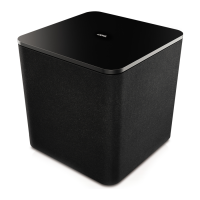
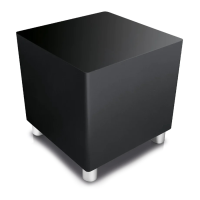
Loewe klang 5 subwoofer
Operating manual
13
english
Adjusting the SUBWOOFER GAIN
Using the SUBWOOFER GAIN +/-
buttons you can adjust the basic bass
volume. The three LED indicators -6 dB / 0 dB / +6dB indicate the adjusted
volume.
The adjustment range of -6 dB to +6 dB can be changed in steps of 1 dB. The
corresponding LED will light up for the values -6 dB, 0dB and +6dB. For inter-
mediate values, the LEDs will be dimmed accordingly.
When connecting the subwoofer via DIGITAL AUDIO LINK, the subwoofer
volume is set in the sound components wizard (Adjusting the speaker volume,
see page 15) on the TV set.
Setting the SUBWOOFER POSITION
When using the SUBWOOFER POSITION
button, you can set the lowest fre-
quency ranges (20 Hz - 50 Hz) for bass reproduction to be raised or lowered. The
three LED indicators CORNER / WALL / FREE indicate the selected setting.
The setting for SUBWOOFER POSITION will only be made locally on the
subwoofer.
Selecting CORNER:
When the subwoofer is near the corner of the room, select the setting CORNER
(-3 dB).
Selecting WALL:
When the subwoofer is near a wall, select the setting WALL (0 dB).
Selecting FREE:
When the subwoofer is in free space, select the setting FREE (+3 dB).
Settings directly on the Subwoofer
PAIRING/RESET Setting
To use the function (WIRELESS DIGITAL AUDIO LINK), you need the Loewe
klang link box and a TV set (chassis SL3xx or higher with software V4.1.x or
higher) with a digital audio link connection.
The Loewe klang link box is not included in the set of equipment supplied.
When pressing the PAIRING/RESET button, the subwoofer is ready to be wire-
lessly integrated into an existing system, or to be connected alone to the Loewe
klang link box and the TV set.
Meaning of the LED after pressing the PAIRING/RESET button:
Permanently: The subwoofer has found the Loewe klang link box and is con-
nected to it.
Flashing: The subwoofer has not yet/not found the Loewe klang link box. If
there is still no connection after 1 minute, a new attempt must be
initiated manually.


 To Next Page