16
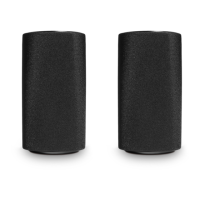
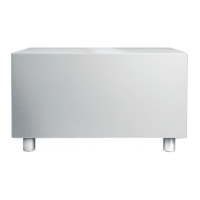
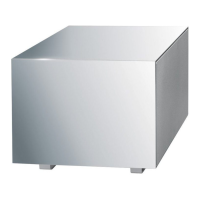
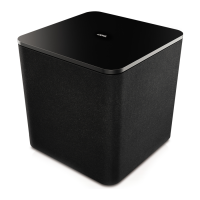
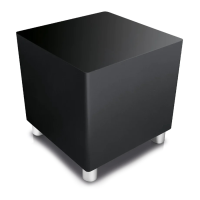
Loewe klang 5 subwoofer
Operating manual
english
Configuration of the klang 5 subwoofer (LINE IN)
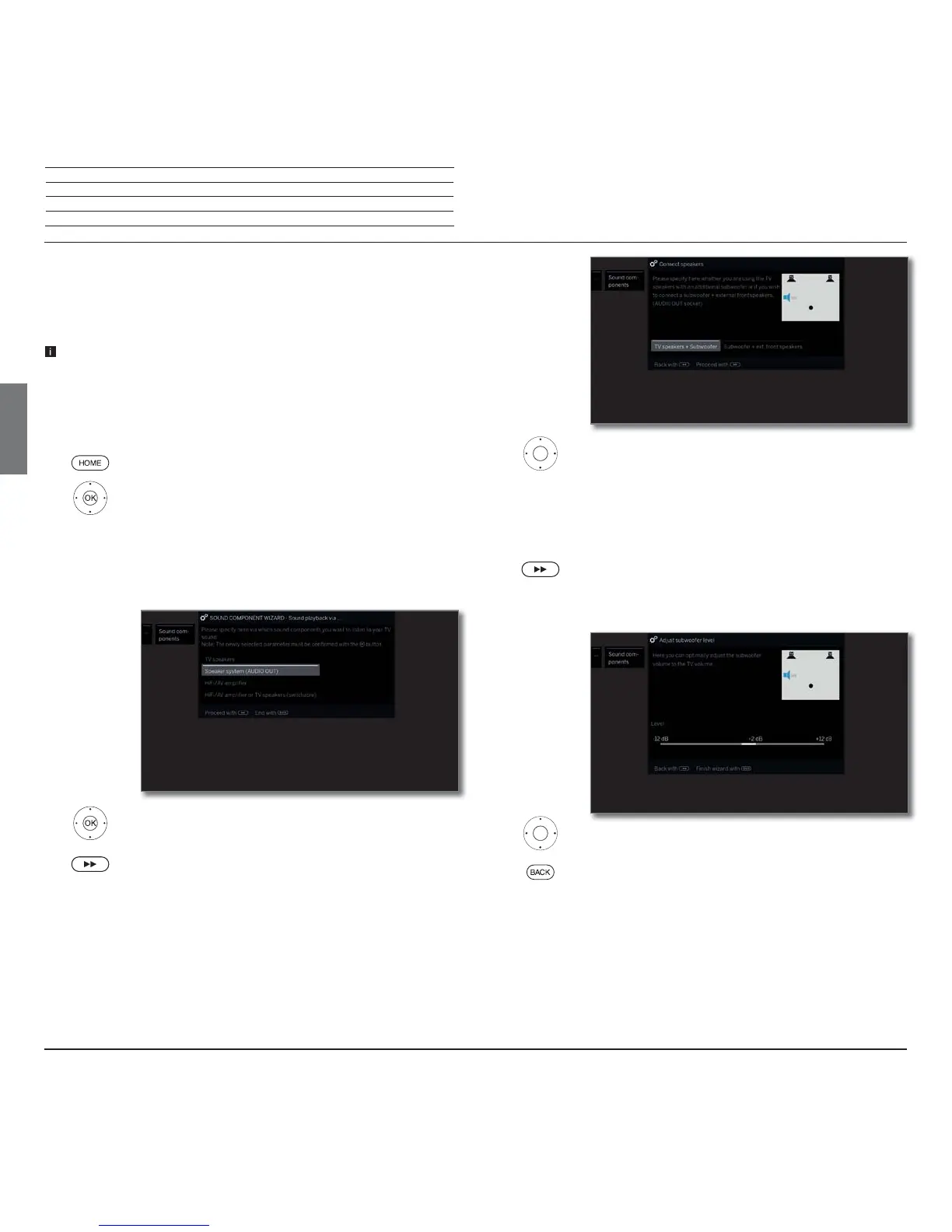
Configure the sound components wizard of the Loewe TV set telling that you
use a klang 5 subwoofer that is connected to AUDIO OUT
(1
via LINE IN of the TV
set. A system 3.1 is assumed as a configuration example.
When the klang 5 subwoofer is connected to AUDIO OUT
(1
and you want
to return to the selection of TV speakers , unplug the power cord of the
subwoofer before you select the TV speakers. At the AUDIO OUT
(1
connector,
the audio signal may be output with high volume in the selection of TV
speakers.
HOME: Call Home view.
Mark System settings,
OK call System settings.
Select Connections,
go to next column.
Select Sound components,
go to next column.
Select Speaker system (AUDIO OUT)
(1
.
OK Confirm selection.
Proceed to next step.
Sound playback
via...
Select TV speakers + Subwoofer or Subwoofer + ext.
front speakers.
Specify here whether you want to operate the speakers
of the TV set with an additional subwoofer or a subwoo-
fer with external front speakers at the AUDIO OUT socket
of the TV set.
Continue with the appropriate selection
.
TV speakers + Subwoofer
Adjust the volume for the subwoofer.
Back: End of wizard.
This ends the sound components wizard for connecting and
setting up a speaker system.
Connect
speakers
Adjust
subwoofer level
Configuration of the subwoofer via LINE IN
(1
For TV set types without AUDIO OUT, use the HEADPHONE connector.


 To Next Page