31
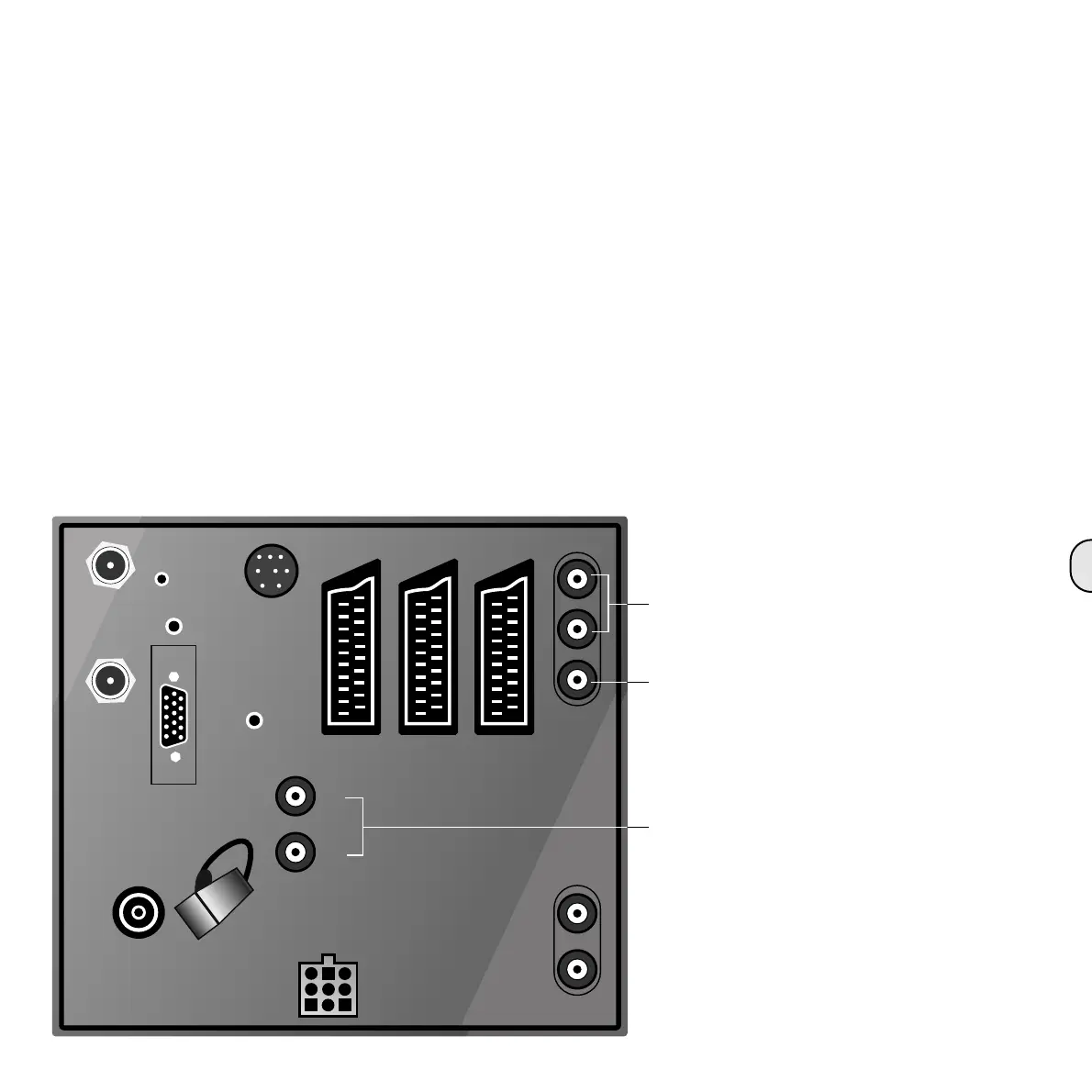
AV2/RGB AV3AV1
SAT
RC5/
RC6
SAT A/D
OUT
IN
SUB-
WOOFER
SUR
AUDIO IN
SERVICE
AUDIO OUT
VHF/UHF
R
IR
R
L
L
SUBWOOFER
STAND
AUDIO
DIGITAL
VGA
Connection
for subwoofer
Connection for active
Surround Sound speaker
Connection for active
stereo speaker
Connection to television set
with integrated
Digital Surround Decoder
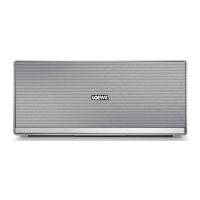
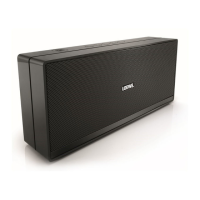
Active loudspeaker - L 2 A
Commissioning
When all the cables are connected you can com-
mission the system.
First switch on the speaker by actuating the
mains switch. On the L2A this switch is right at
the bottom of the back of the housing.
Now switch on your television set and/or your
decoder.
During the lining up of your Surround Sound sys-
tem, please proceed as described in the operating
instructions for the television or the Surround
Sound Decoder.
You can now set the basic volume level with the
INPUT SENSITIVITY controller and adapt it for the
room.
If you don’t achieve sufficient volume with the
front speakers then turn the input sensitivity con-
trollers clockwise on both speakers.
Check the sound reproduction of the hi-fi system.
To do this switch off the television or decoder so
that the speakers switch over to passive mode.
In passive mode the input sensitivity controller
does not operate.







 To Next Page