- 72
english
Settings
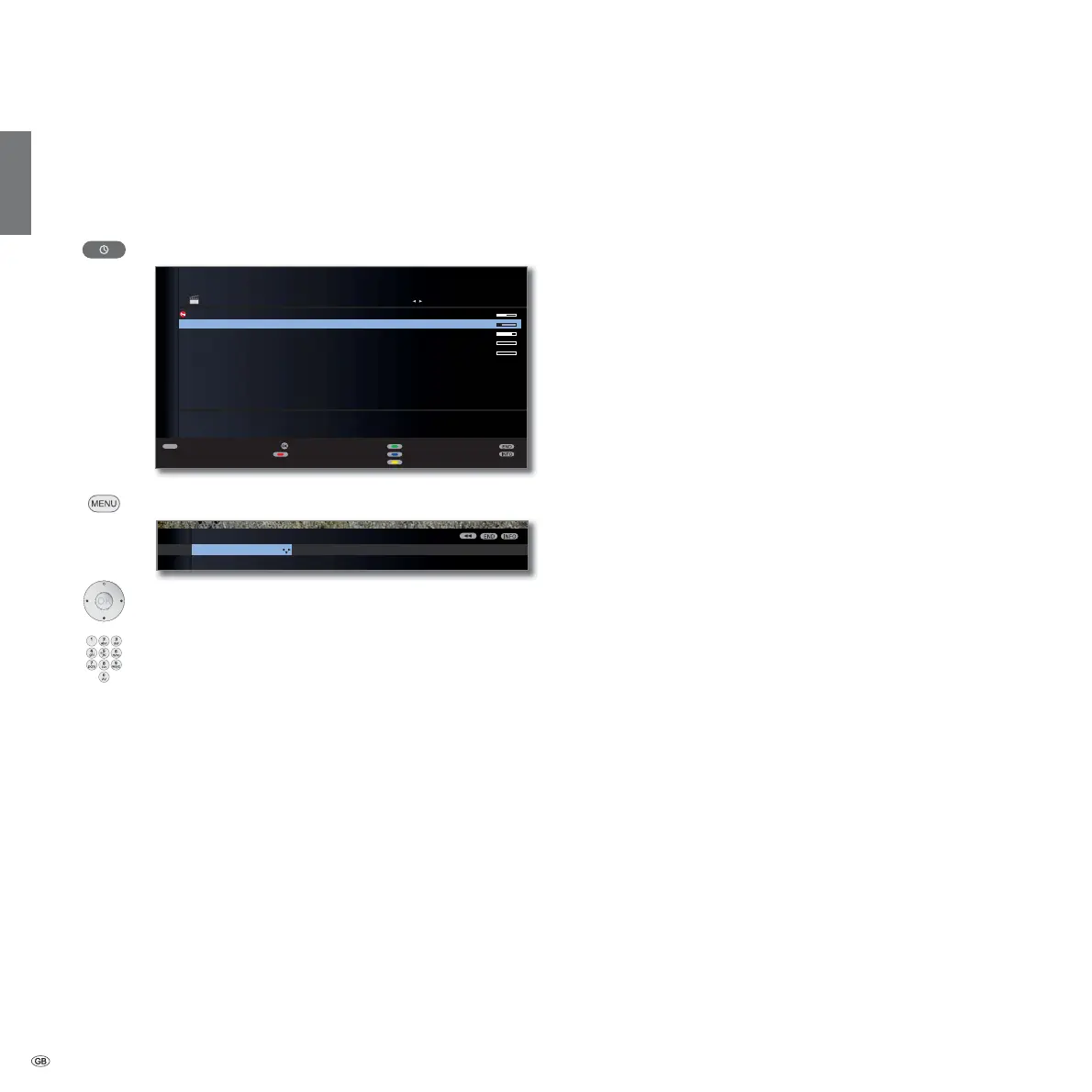
You can make a few settings in the Archive menu to adapt the Digital
Recorder to your requirements.
Call Archive menu
Call Archive.
MENU: Call Archive menu.
Choose a setting,
switch to the menu line below.
Set or enter using the
numeric buttons of the remote control.
Explanation of the setting facilities
Set the standard jump width used for jumping forwards
or backwards in the film by pressing or .
Factory setting: 4 min.
Activate or deactivate Smart Jump function (see page 78).
Factory setting: on.
Jump distance
Smart Jump
Digital Recorder
Smart jump
ARCHIVE MENU
Jump distance
4 min
TEXT
OK
۩
,
{
15.09. Sky Cinema HD Top-Movie 1
14.09. Phoenix Bon(n) jour Berlin
31.08. Das Erste ** ****
29.07. 3sat Tagesschau
00.00. LOEWE. Individual
09:45 - 10:00
ARCHIVE free capacity 78%
Rename
Sort alphabetically
Delete/copy
Detail View
Timer list









 To Next Page