- 7 -
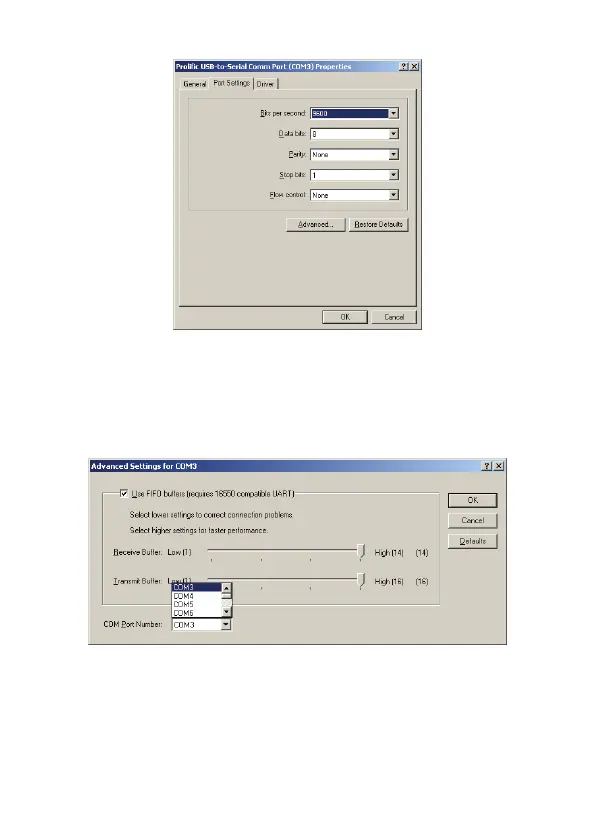
(Images 2)
3. Please choose "Port Settings ", and then click on
"Advanced". Please choose the needed com, and click on"
ok”. ( see images 3)
(Images 3)
Notice:
If the Modem could not link with the new port, and run
smoothly when changed the port, please un-install Modem,
and re-install it.



 To Next Page