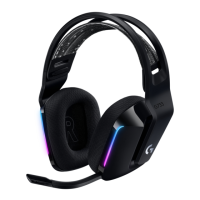
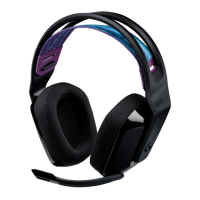
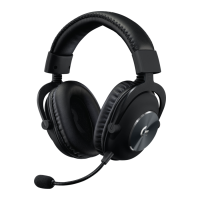
Need help?
Do you have a question about the Logitech G G433 and is the answer not in the manual?
Detachable microphone for voice input.
Connects headset to separate mic and headphone jacks on PC.
Enables DTS Headphone:X for enhanced audio on PC.
Main cable for connecting to consoles and PCs with mute/volume controls.
Cable for connecting headset to mobile devices with inline microphone.
Insert the boom microphone into the headset.
Attach the console/PC cable to the headset for audio and mic.
Connect via USB DAC or PC splitter for audio output.
Connect headset via cable to console controller.
Connect headset using the mobile cable to the phone.
 General
| Brand | Logitech G |
|---|---|
| Model | G433 |
| Category | Headsets |
| Language | English |


 To Next Page