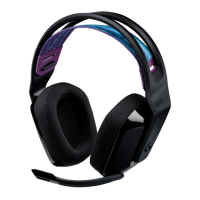
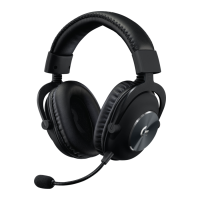
Need help?
Do you have a question about the Logitech G G733 and is the answer not in the manual?
Properly insert the microphone boom into the headset for initial setup.
Connect the wireless receiver to your computer's USB port for operation.
Optional download of software for advanced features and customization options.
The microphone can be detached and replaced if needed.
Learn about audio and visual cues for low battery levels.
How to check the remaining battery life using Logitech G HUB software.
Overview of the Logitech G HUB software for advanced customization.
Enable or disable DTS Headset:X 2.0 surround sound technology.
Enable or disable Blue VO!CE enhancements for microphone audio.
 General
| Frequency Response | 20 Hz - 20 kHz |
|---|---|
| Impedance | 39 Ohms (passive), 5k Ohms (active) |
| Sensitivity | 87.5 dB SPL/mW |
| Driver Size | 40 mm |
| Microphone Type | Cardioid (Unidirectional) |
| Wireless Range | 20 m |
| Battery Life | Up to 29 hours |
| Weight | 278 g |
| Microphone Frequency Response | 100 Hz - 10 kHz |
| Microphone | Yes |
| Software | Logitech G HUB |
| Type | Wireless |
| Connection | USB receiver |
| Lighting | RGB LIGHTSYNC |
| Compatibility | PC, PlayStation |

 To Next Page