Need help?
Do you have a question about the Logitech G PRO and is the answer not in the manual?
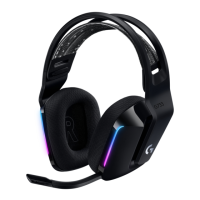
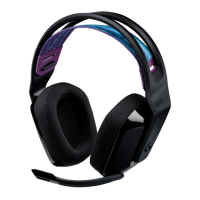
The main audio and microphone device for gaming.
Removable microphone for clear voice communication.
Splits audio and mic signals for PC connectivity.
2m cable with integrated mute and volume controls.
Alternative ear cushions for enhanced comfort (not pictured).
Attach the detachable microphone arm to the headset.
Plug the console/PC cable into the headset's audio port.
Connect headset cable to splitter, then splitter to PC audio jacks.
Attach the detachable microphone arm to the headset.
Plug the console/PC cable into the headset's audio port.
Plug the headset cable into the console controller's audio jack.
 General
| Driver Size | 50 mm |
|---|---|
| Frequency Response | 20 Hz - 20 kHz |
| Impedance | 35 Ohms |
| Sensitivity | 91.7 dB SPL @ 1 mW & 1 cm |
| Microphone Type | Cardioid (Unidirectional) |
| Microphone Frequency Response | 100 Hz - 10 kHz |
| Cable Length | 2 m |
| Weight | 320 g |
| Type | Over-ear |
| Microphone | Detachable |
| Connection Type | Wired (3.5 mm) |
| Microphone Sensitivity | -38 dBV/Pa @ 1 kHz |

 To Next Page