12 ENGLISH
HOW TO USE
How to Congure and Use
Before using your A50, please read the following section to
familiarize yourself with the headset controls, how to congure,
and helpful tips to get thea most out of your Logitech G A50.
Please go to the following sections for the device and system
types:
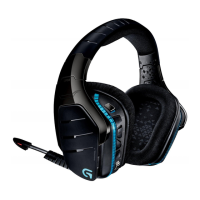
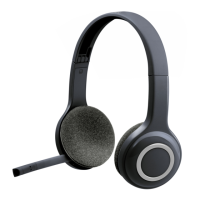
Flip-to-Mute Microphone: The A50 headset features an
adjustable boom microphone that automatically mutes
when ipped away. When rotated to the fully upright
position, your mic signal is muted at the headset level.
Whenrotating the boom, you will feel a mechanical
engagement point that indicates when the mute is
engagedor disengaged.
1
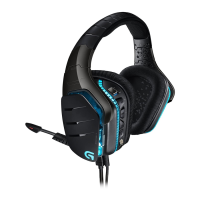
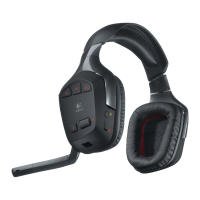
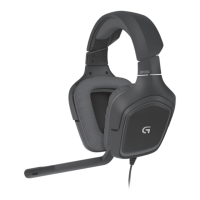
4.1 Headset Controls
MixAmp Game/Voice Balancing: On supported platforms
and when properly congured, the A50 MixAmp feature
allows on-the-y adjustment between two distinct audio
signals. This lets you quickly dial in and balance how much
of the game’s audio or a friend’s voice-chatter you want to
hear at any given moment. MixAmp Game/Voice balancer
controls are accessible using the two paddle switches located
on the right ear of the headset. An audible notication tone
will be played at Game Max, Mid, Voice Max points.
2
1
2









 To Next Page