Installation and Setup 2-3
Chapter 2 - Installation and Setup
Note: Contact Logitech Customer Support at (510) 795-8544 if you need
assistance installing or configuring your webcam.
This chapter includes the following sections:
• “Setting up the Webcam” on page 3
• “Installing the Webcam Software” on page 4
• “Installing the Skype Video Calling Application” on page 4
• “Setting up Skype With the Logitech Webcam” on page 5
Setting up the Webcam
To place the webcam onto your system:
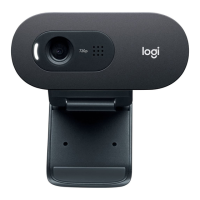
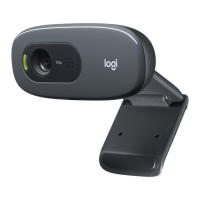
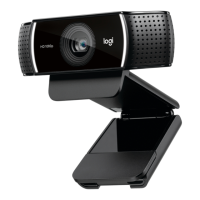
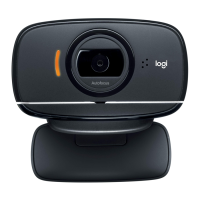
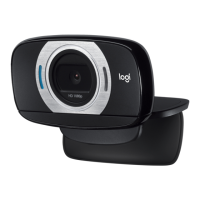
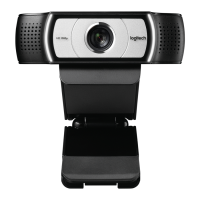
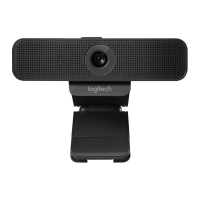
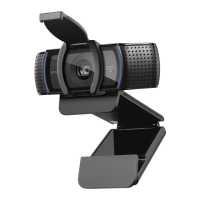
1. Bend the clip so the base of the webcam rests on or near the center of the
system monitor.
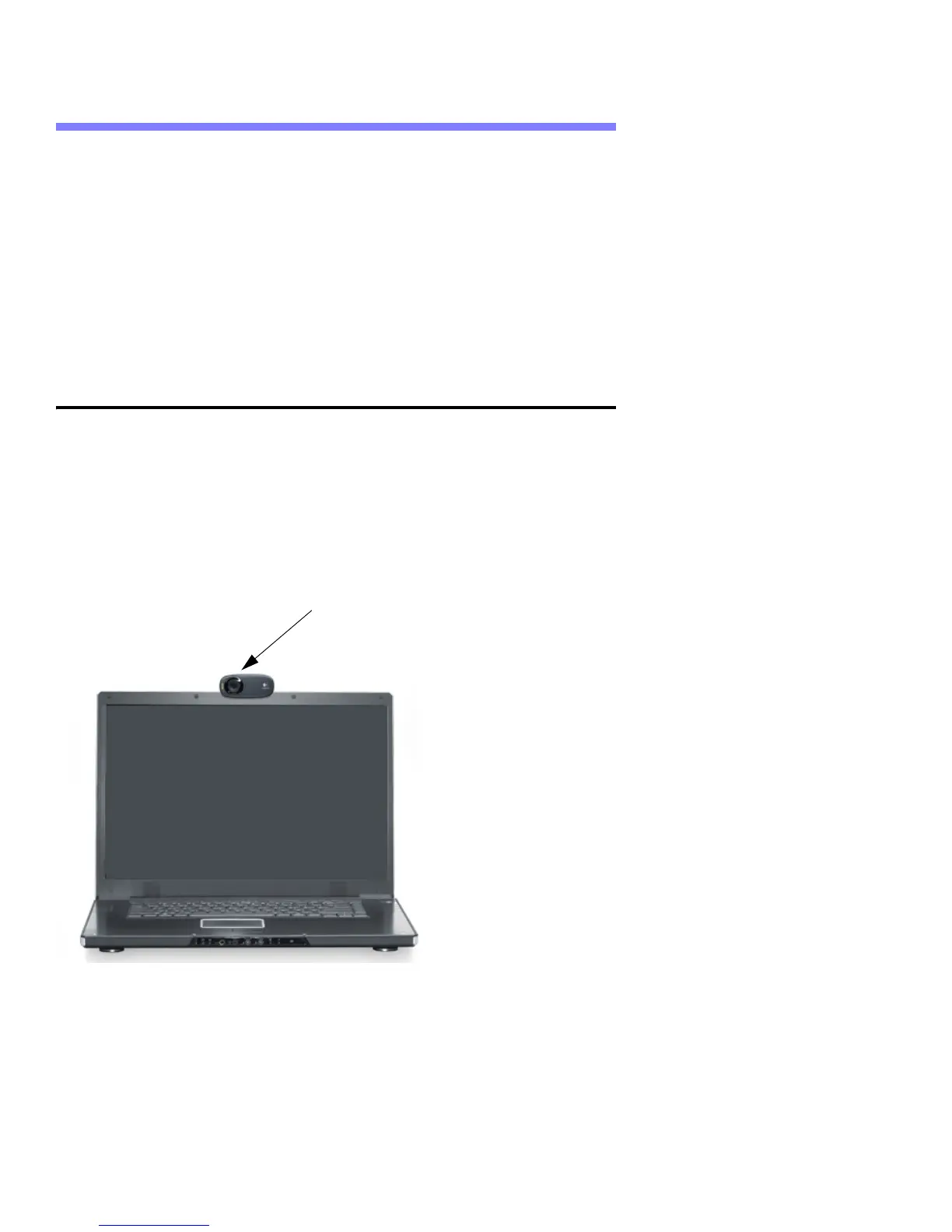
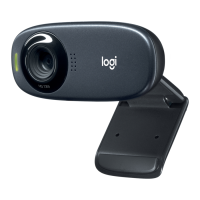
2. Hold the clip while adjusting the webcam up or down so you are looking into
the webcam lens, as shown in the following figure:
3. Connect the USB camera cable to the USB port on your system.


 To Next Page