6 ENGLISH
Brightness
Adjust lighting brightness by pressing
thebrightnessbutton.
Media Controls
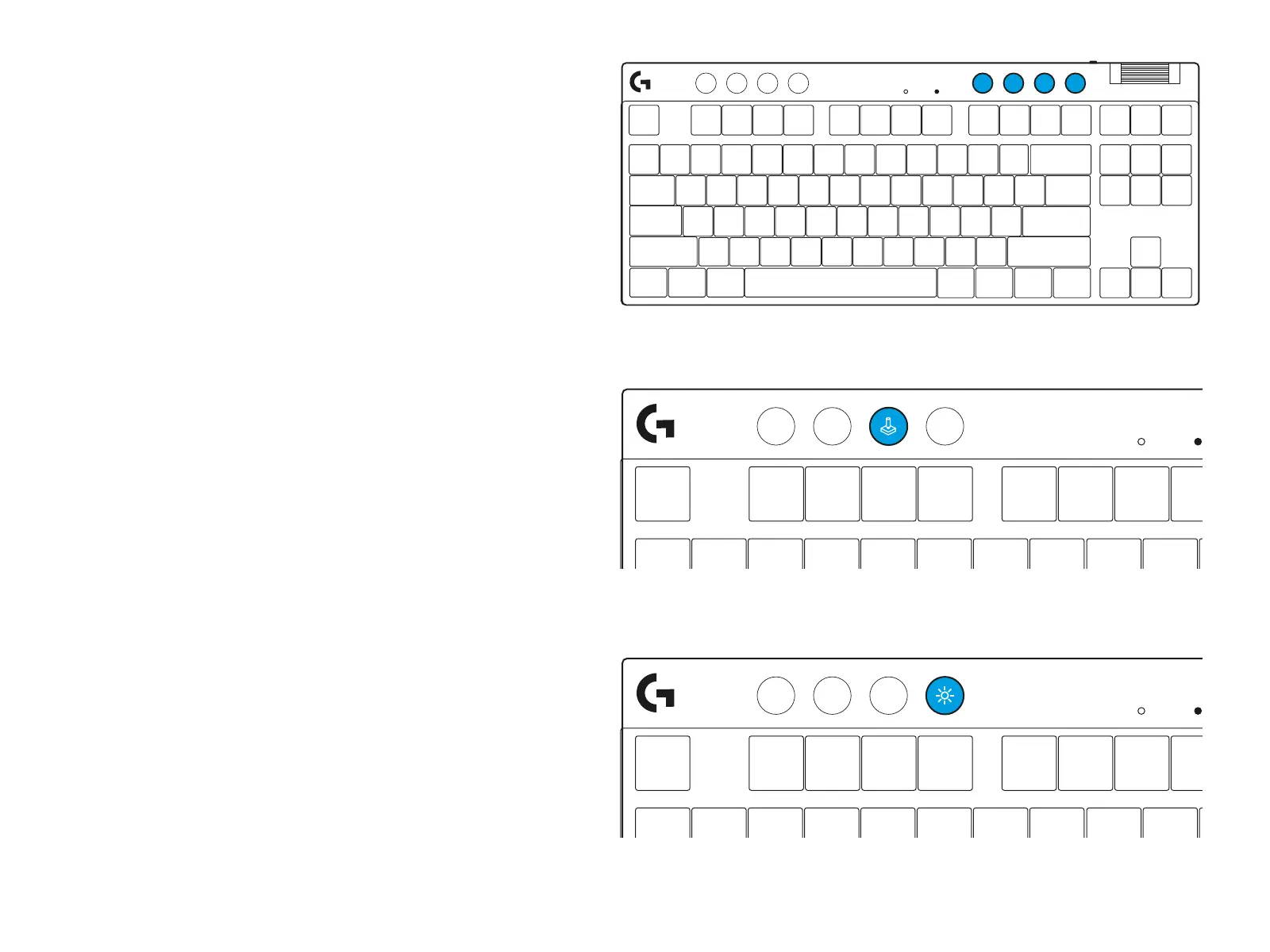
PRO X TKL includes media controls. Skip back, play/
pause, skip forward and mutekey, with a volume
roller that controls yourdevicevolume.
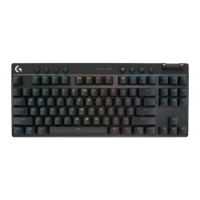
Game Mode
Pressing the Game mode button blocks
the Windows and Context Menu keys when
pressed. Additionalkeys can be blocked using
GHUBsoware.
Game Mode Lock (FN+Game Mode), locks the Game
Mode button and prevents Game Mode from being
turned on or o.




 To Next Page