8 ENGLISH
BLUETOOTH
®
/ LIGHTSPEED DUAL
CONNECTIVITY
Out of the box, your mouse and LIGHTSPEED receiver
arepaired.
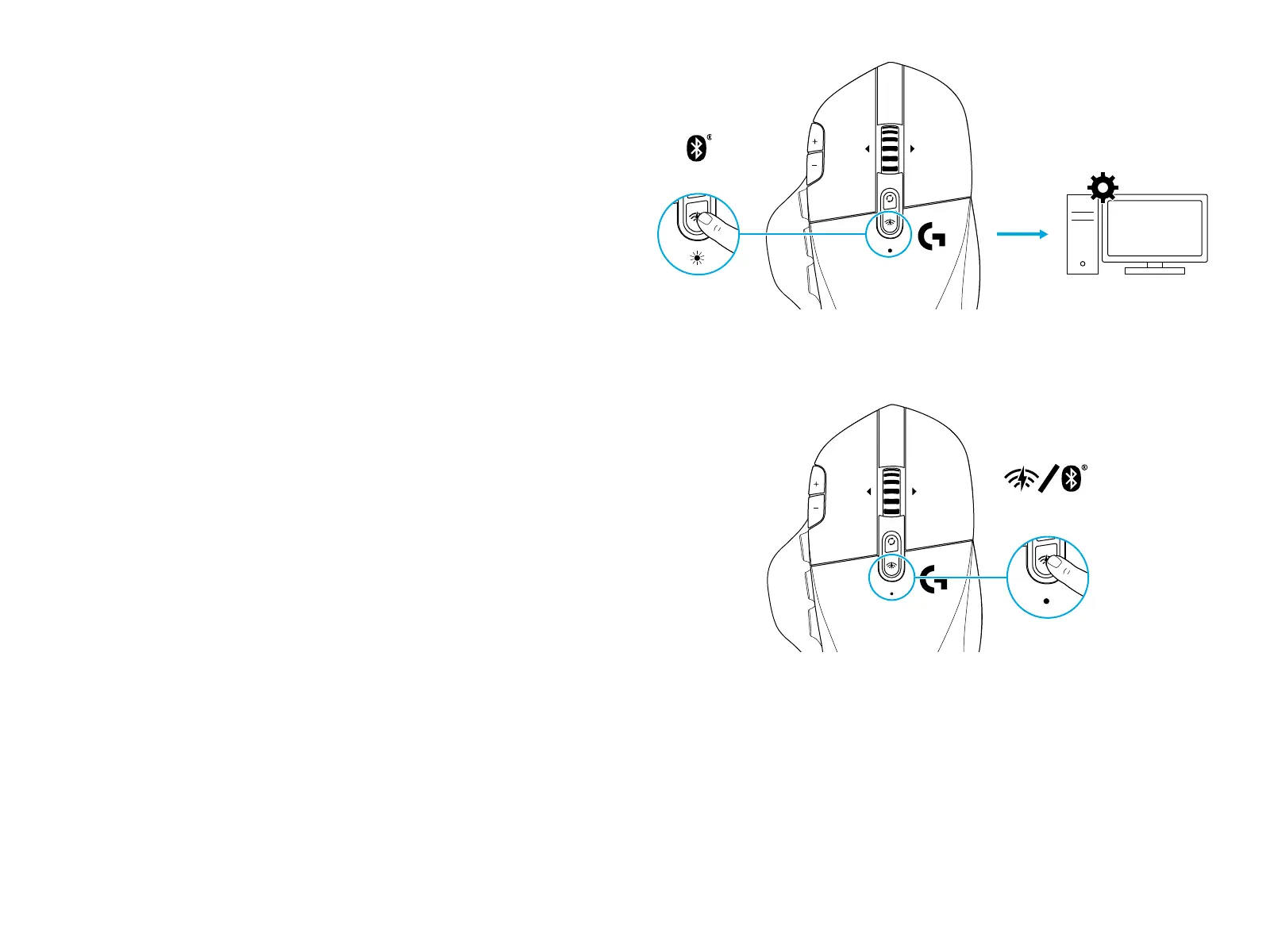
To pair to a Bluetooth-enable computer:
Step 1: Press the connectivity button for 5 seconds until
theLED indicator ashes blue quickly.
Step 2: Go to the Bluetooth settings of your computer
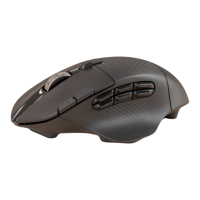
Step 3: Click “Add a B luetooth Device” and select “G604
Gaming Mouse”
The color of the LED indicator will turn solid blue for 5 seconds
when your mouse and computer are successfully paired.
To toggle between a Bl ueto ot h and LIGHTSPEED mode,
pressthe connectivity button for 0.2 sec, but less than 5 sec.
Tips:
• To pair your mouse to another Bluetooth-enable computer,
repeat steps 1 to 3.
• Blueto oth mode has lower report rate compared
toLIGHTSPEED. In Bluetooth mode, G604 has longer
battery life as well.
5 sec.
0.2 sec.



 To Next Page