EasyManua.ls Logo

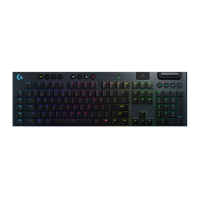
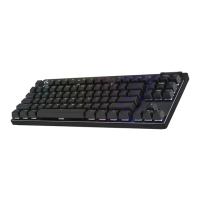
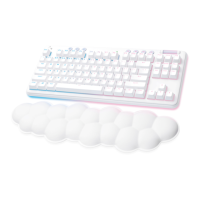
Logitech G715 - User Manual

Logitech G715
31 pages
Print Icon
To Next Page IconTo Next Page
Loading...
G715 KEYBOARD
|
CLAVIER G715
Wireless Gaming Keyboard
Clavier gaming sans l
SETUP GUIDE
|
GUIDE D’INSTALLATION
Question and Answer IconNeed help?

Do you have a question about the Logitech G715 and is the answer not in the manual?

Logitech G715 Specifications

General IconGeneral
BrandLogitech
ModelG715
CategoryKeyboard
LanguageEnglish

Summary

Setup Instructions

LIGHTSPEED Receiver Installation

Connect the LIGHTSPEED receiver to your PC for wireless operation.

Keyboard Activation and Software Setup

Power on the keyboard and install G HUB software for enhanced features.

Bluetooth Connectivity

Enable Bluetooth Pairing

Turn on the keyboard and activate Bluetooth pairing mode.

Keyboard Charging

Connect and Charge

Connect the USB-C cable to the keyboard and PC to begin charging.

Onboard Lighting Effects

Customize Lighting Modes

Select and modify 8 onboard lighting effects using the Brightness button and keys.

Changing the Top Plate

Top Plate Replacement

Learn how to remove and replace the keyboard's top plate with optional accessories.

Switching Connection Devices

Toggle LIGHTSPEED and Bluetooth

Switch between LIGHTSPEED and Bluetooth connections by pressing the connect button.
Videos

How to Pair Logitech G715 with Any Device

How to Create Macros on Logitech G715

How to Manage Functional Buttons on Logitech G715

How to Customize and Manage Lighting of Logitech G715

How to Manage Profiles on Logitech G715

How to Find the Battery Location on Logitech G715

Related product manuals