40900 Romeo Plank Road – Clinton Township, MI 48038-2955
(586) 286-1580 – www.cmpl.org/mlbpd - mlbpd@cmpl.org
(revised 2/13/2023)
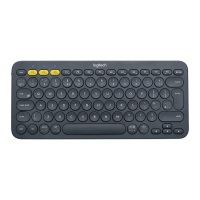
Bluetooth Keyboard: Getting Started
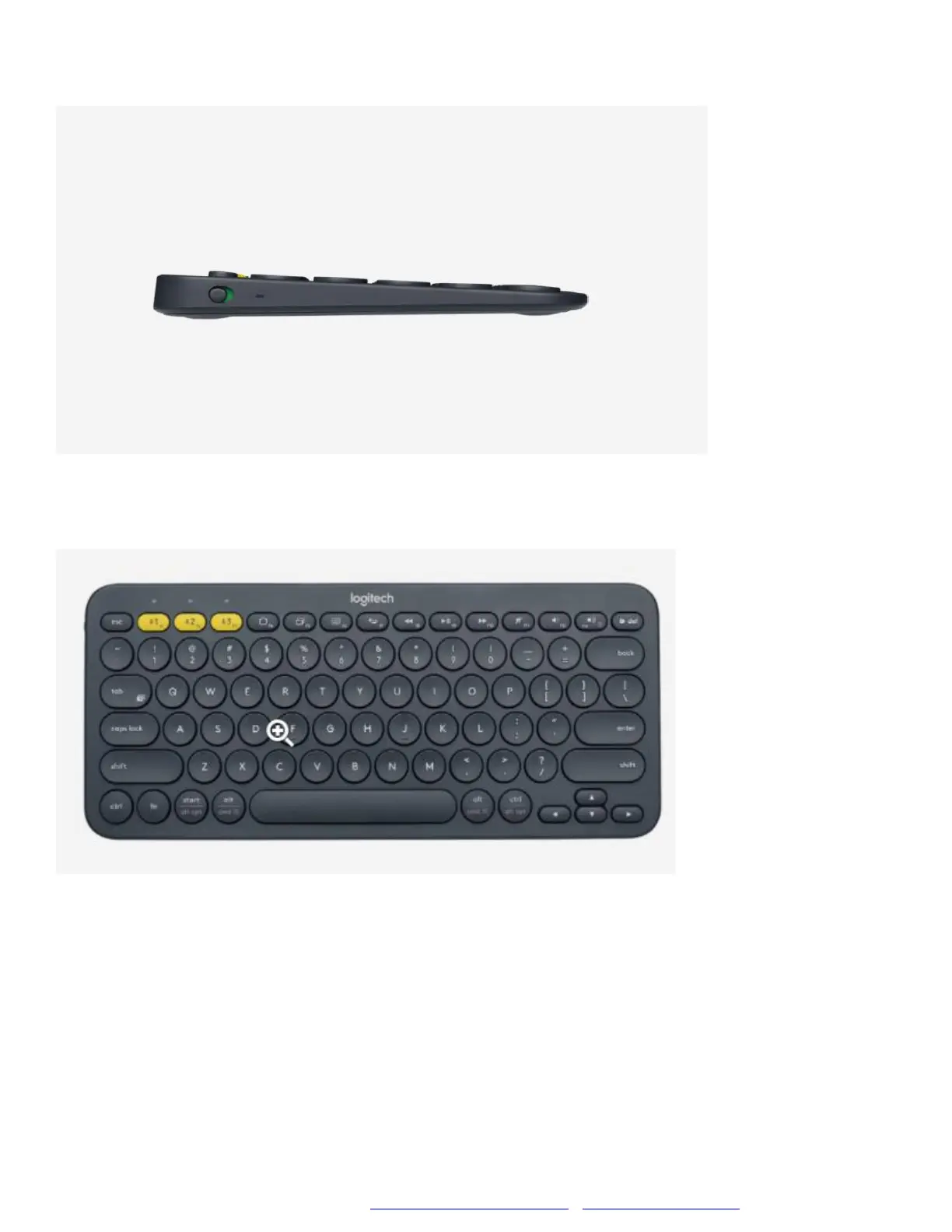
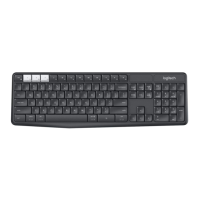
The power button is located on the left side of the keyboard. Slide the
power button up to turn on the keyboard.
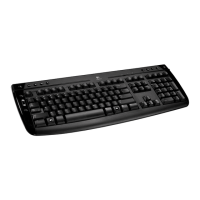
There are three yellow keys located on the first row of the keyboard also
known as the Function Keys. Each key is labeled F1, F2, and F3. Press the
F1 key for 5 seconds to pair the keyboard with the Fire Tablet. If you are
using your mobile device go to Bluetooth Keyboard: Settings.


 To Next Page