40900 Romeo Plank Road – Clinton Township, MI 48038-2955
(586) 286-1580 – www.cmpl.org/mlbpd - mlbpd@cmpl.org
(revised 2/13/2023)
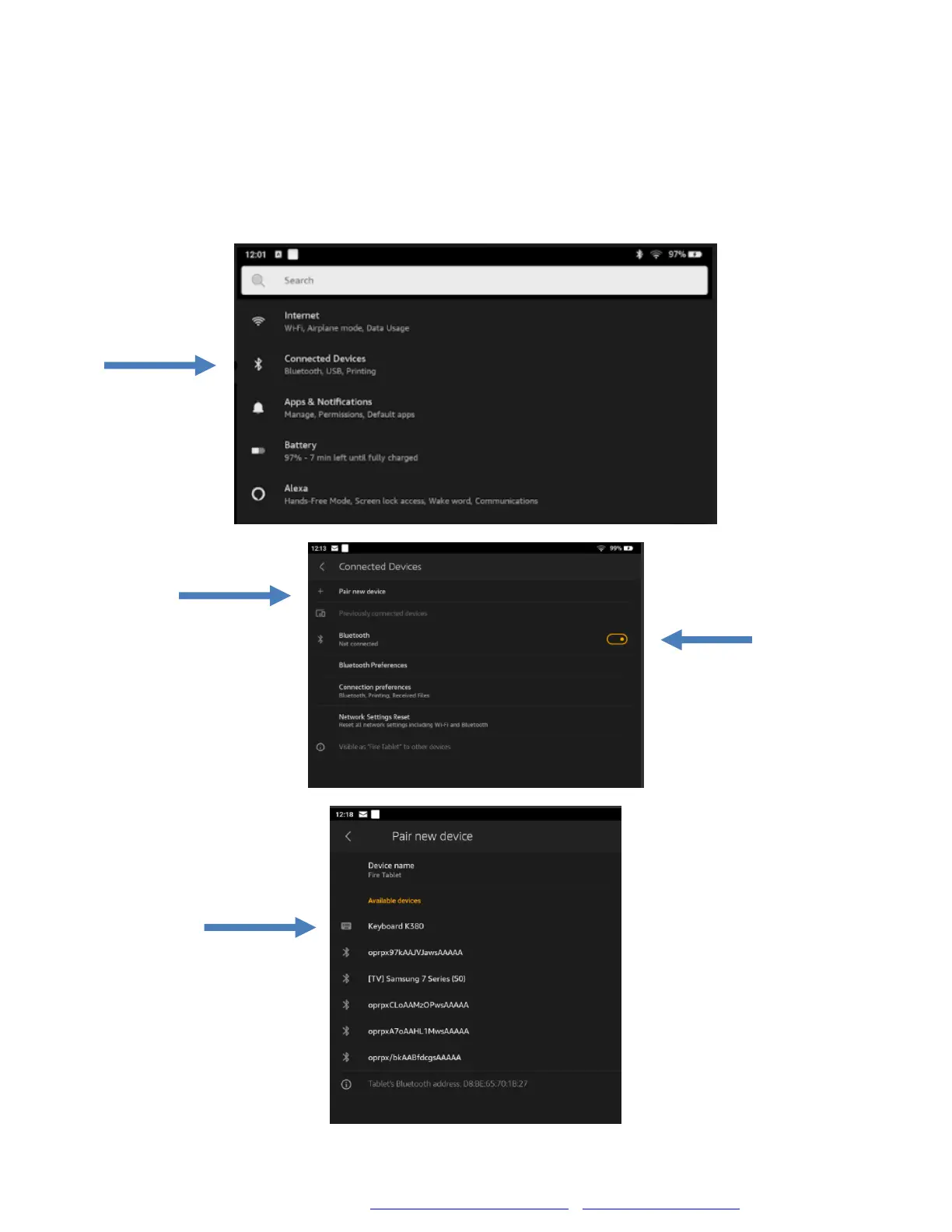
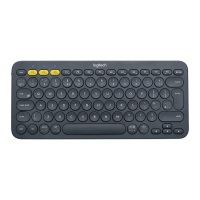
Bluetooth Keyboard: Settings
If you are pairing the Bluetooth Keyboard to your personal device, go to
your device’s Settings— (1) Connected Devices— (2) Make sure
Bluetooth is set to On— (3) Tap on Pair new device— (4) Select the
keyboard’s name, which is Keyboard K380.


 To Next Page