40900 Romeo Plank Road – Clinton Township, MI 48038-2955
(586) 286-1580 – www.cmpl.org/mlbpd - mlbpd@cmpl.org
(revised 2/13/2023)
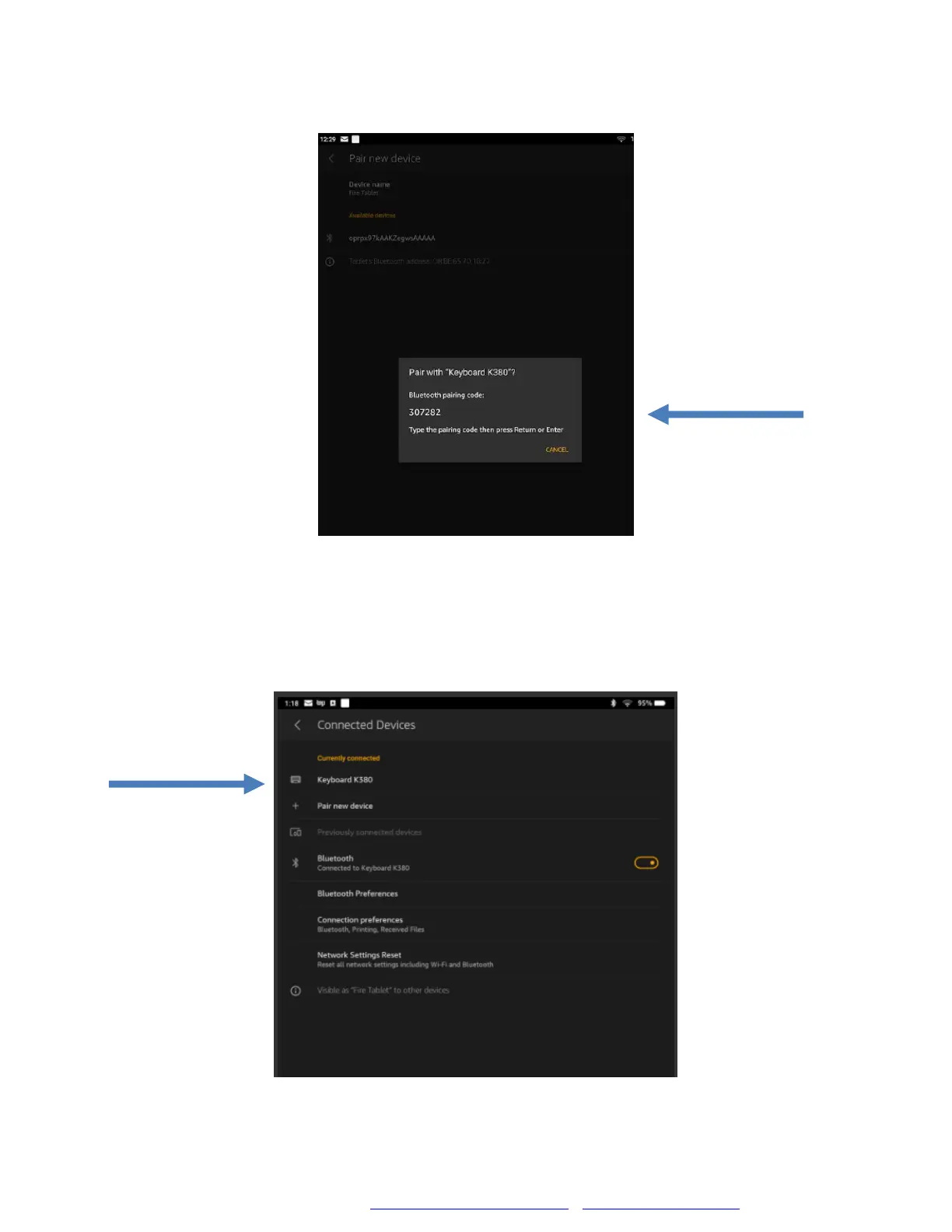
You will be prompted to enter a numerical pairing code. Use the Bluetooth
keyboard to type in the code.
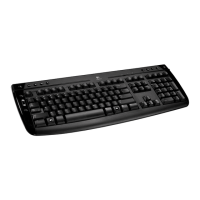
Once you entered the code, the Bluetooth Keyboard should now be paired
with your device. To check if your device was successfully paired to the
keyboard, go to Currently Connected and the name of the keyboard
should appear.


 To Next Page