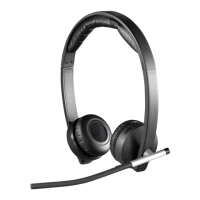
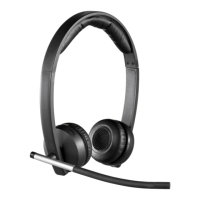
Logitech Wireless Headset Mono H820e/Dual H820e
English 7
Windows 8:
•Close all media/voice applications
•From the Start Menu,
select “Desktop” tile.
•From the Charms menu,
select Settings > Control Panel >
Hardware and then Sound.
•Go to Sound and select
the “Playback” tab.
•Choose either “Logitech Dual H820e”
or “Logitech Mono H820e”.
•Click on Set Default.
•Click on the “Recording” tab.
•Choose either “Logitech Dual H820e”
or “Logitech Mono H820e”.
Click on “Set Default”.
•Restart the media/video application.
Mac OS X:
•Close all media/voice applications
•Open System Preferences.
•Select Sound/ Output tab,
and then select either “Logitech Dual
H820e” or “Logitech Mono H820e”.
•Restart media/video application.
USB Jack Statement
The equipment is to be supplied from
an identified USB port complying with
the requirements of Limited Power Source.









 To Next Page