5English
ON
ON
To pair through Bluetooth
®
:
STEP 1:
Remove the pull-tabs from the keyboard
andmouse. Both of them will automatically turnon.
STEP 2:
Open the Bluetooth
®
settings on yourdevice.
Addanew peripheral by selecting
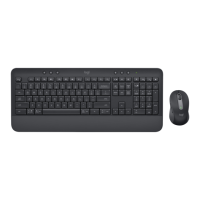
yourkeyboardand mouse (Keyboard: Logi K950,
Mouse: LogiM750) from your list of devices.
Your keyboard and mouse are paired once the LED
stops blinking.
STEP 3:
Your computer will require you to input a random
set of numbers, please type them all and press
theEnter key on your keyboard. Your keyboard
isnow ready to use.
The white LED on the rst Easy-Switch key of the
keyboard and mouse will start blinking.
1
2
3
Logi K950
+
Logi M750
Bluetooth
483260


 To Next Page
 Loading...