7English
DONGLE COMPARTMENT
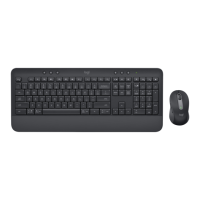
If you are not using your Logi Bolt USB receiver,
youcan safely store it inside your keyboard.
STEP 1:
Remove the battery door from the bottom side
ofyour keyboard.
The dongle compartment is located next
tothebatteries.
STEP 2:
Place your Logi Bolt receiver in the compartment
and slide it to the right side to secure it tight.


 To Next Page
 Loading...