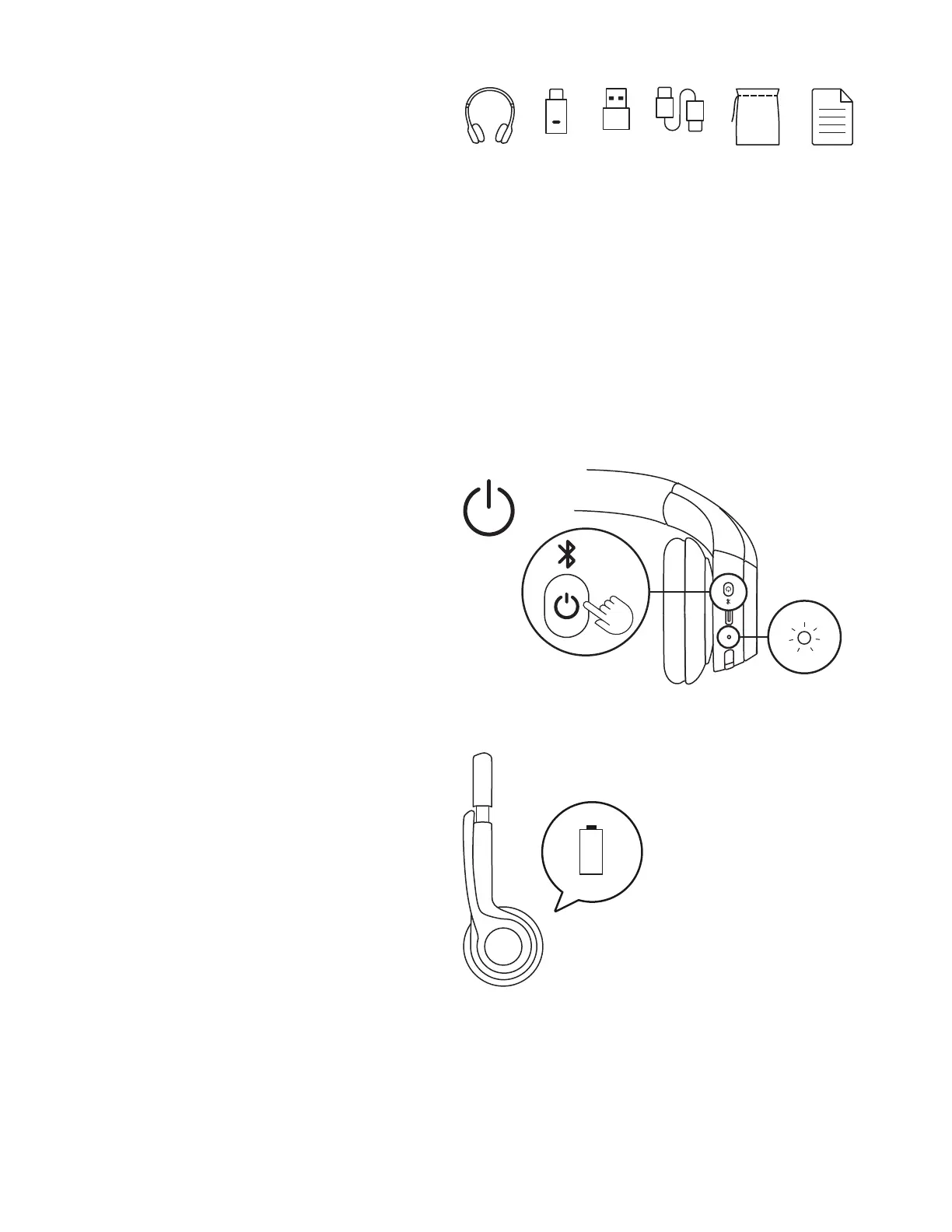
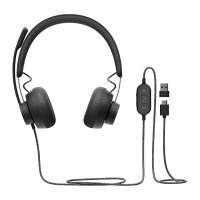
USB-C USB-A USB-C
POWERING ON/OFF
1. Press the power button once to power on
theheadset.
2. Once powered on, the LED light will turn white.
WHAT’S IN THE BOX
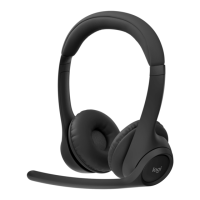
1. Zone 305 wireless headset
2. USB-C receiver*
3. USB-C to USB-A adapter*
4. USB-C to USB-C charging cable
5. Travel bag
6. User documentation
*Only available for versions with receiver.
3. There will be a voice prompt that tells you
thebattery status
1
.
%
4English








 To Next Page