5.0 There must be a current supply...
5.3 Battery indicator / hours counter
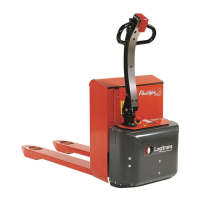
Panther Mini
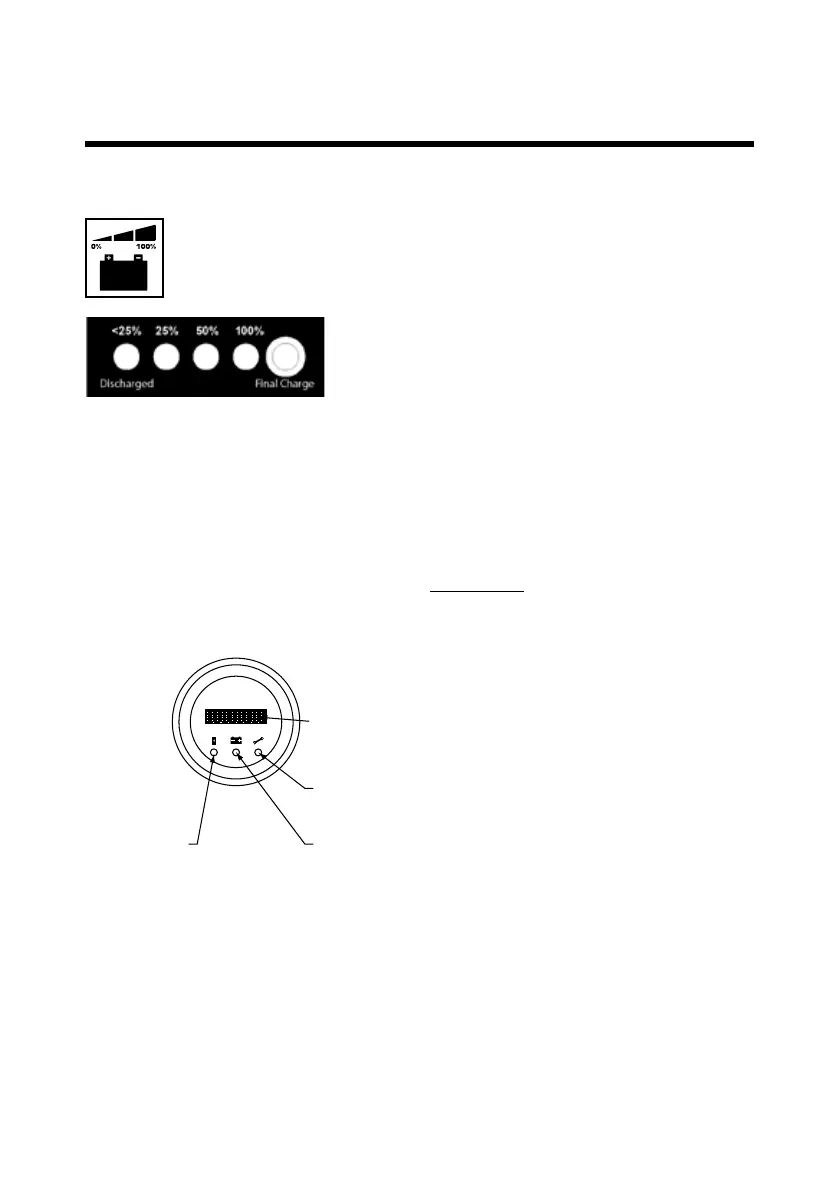
The battery indicator shows the battery charge in %.
The most accurate reading can be obtained, after the battery has been
allowed to remain idle for 5-10 minutes.
Red: Battery capacity less than 25%
Do not use the battery, otherwise it
might become damaged.
Green: Battery capacity: 50%-100%
The battery is ready for use and need
not be charged.
Battery capacity: 25%
The battery can still be used; charging is
recommended.
Yellow: Charging lamp: Is alight during
the last part of the charging.
Green (LED):
Indicates hour meter
The hour meter shows:
1. Total number of operation hours
2. Operation time since last charging
Error codes:
In case of errors, the display can show error codes:
Error code 1.4: The forward/reverse knob is activated, when handle is in pos. A.
Error code 4.2: Battery discharged.
If the display shows other error codes, please contact your dealer
Please note: The driving speed is reduced at low battery voltage.
8 characters
LCD display
Red (LED): Indicates service
Orange (LED): Indicates battery condition
Panther Maxi AC
The messages are shown on the LCD display.
The lamps indicate the type of message shown.



 To Next Page