4
1 2 3
23
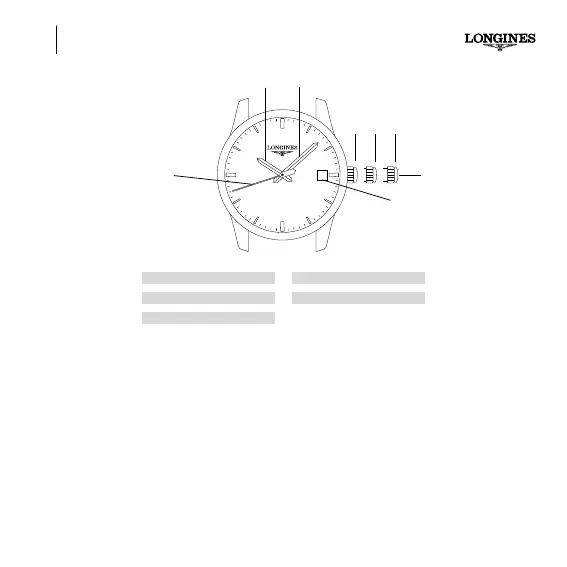
A
D
E
B C
SETTING THE TIME GENERAL INFORMATION
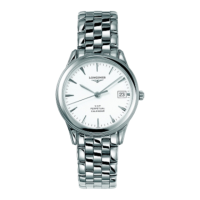
Hour, minute, seconds and date display.
Screw-in crown
Some LONGINES models are fitted with a screw-in crown which must be unscrewed before setting the time,
correcting the date or winding. After setting the time or winding, return the crown to position 1, then push it
back in and screw it in firmly in order to ensure the watch’s water-resistance.
Setting the time
Pull the crown out to position 3 when the seconds hand is at 60. Turn the crown forwards or backwards until
the desired time is displayed. Once the time is correctly set, push the crown back in to position 1.
Do not attempt quick correction of the date between 8 p.m. and 3 a.m.
Quick date correction
Pull the crown out to position 2 and turn it forwards to correct the date. While you are doing this, your watch
continues to operate and so the time does not need resetting. The date needs correcting after any month
with fewer than 31 days. Push the crown back in to position 1. The date changes when the hour hand passes
midnight.
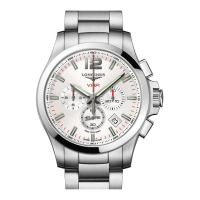
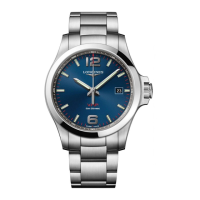
A Crown
B Hour hand
C Minute hand
D Seconds hand
E Date window





 To Next Page