3
CONNECT
Android
1. Slide camera power switch to Wi-Fi ON
(farthest from micro-USB port).
2. Turn on your smartphone’s or tablet’s Wi-Fi (under Settings).
3. Launch Looxcie mobile app & login or record offline.
4. Tap red camera button to choose from camera modes.
5. Select your “Looxcie_######” or “LX-HD” from connection options.
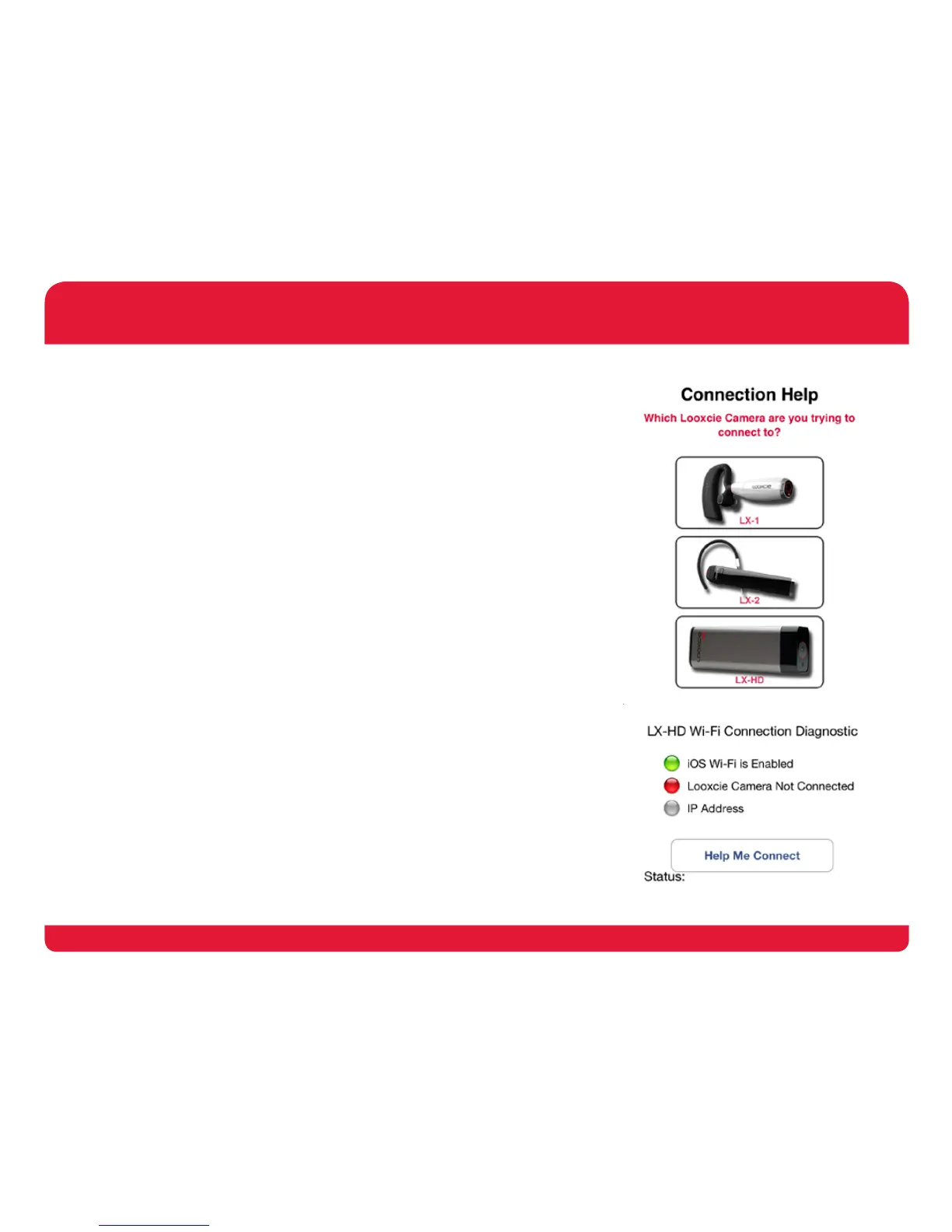
6. Follow connections help steps on next screen.
If you are unable to connect after following the steps above,
see troubleshooting section on pages 7 & 8.
iOS
1. Slide camera power switch to Wi-Fi ON
(farthest from micro-USB port).
2. Turn on your smartphone’s or tablet’s Wi-Fi (under Settings).
3. Select your “Looxcie_######” from list of Wi-Fi networks.
4. Launch Looxcie mobile app & login or record offline.
5. Tap red camera button to choose from camera modes.
6. Select your “Looxcie_######” or “LX-HD” from connection options.
7. Follow connections help steps on next screen.
If you are unable to connect after following the steps above,
see troubleshooting section on pages 7 & 8.
GETTING STARTED


 To Next Page