7
TROUBLESHOOTING
My Looxcie HD is not operating.
> Looxcie HD will NOT be recognized by the computer or
operate without a microSD card properly installed. If a
microSD card is not installed (or not installed properly) the
red record light and the green/blue power switch light will
blink repeatedly. Install (or properly seat) microSD card.
My Looxcie HD is not recognized by my computer when I
try to connect it via USB.
1. Looxcie HD will NOT be recognized by the computer or
operate without a microSD card properly installed. If a
microSD card is not installed (or not installed properly)
the red record light and the green/blue power switch
light will blink repeatedly. Install (or properly seat) mi-
croSD card.
2. With device not connected to your computer, turn the de-
vice “off” for a few seconds, and then turn it “on” and wait
for the device to complete its internal start-up process
(usually takes about 5 seconds).
3. Connect Looxcie HD to your computer from a direct USB
port on your computer (not a USB splitter or hub)
My Looxcie HD won’t connect to my smartphone. I see the
Looxcie HD in my Wi-Fi device list, but it refuses to connect.
> Your Looxcie HD “remembers” the device that it was last
connected to, and won’t let you connect to another device
unless you clear this information from your Looxcie video
cam. See instructions on next page.
TROUBLESHOOTING
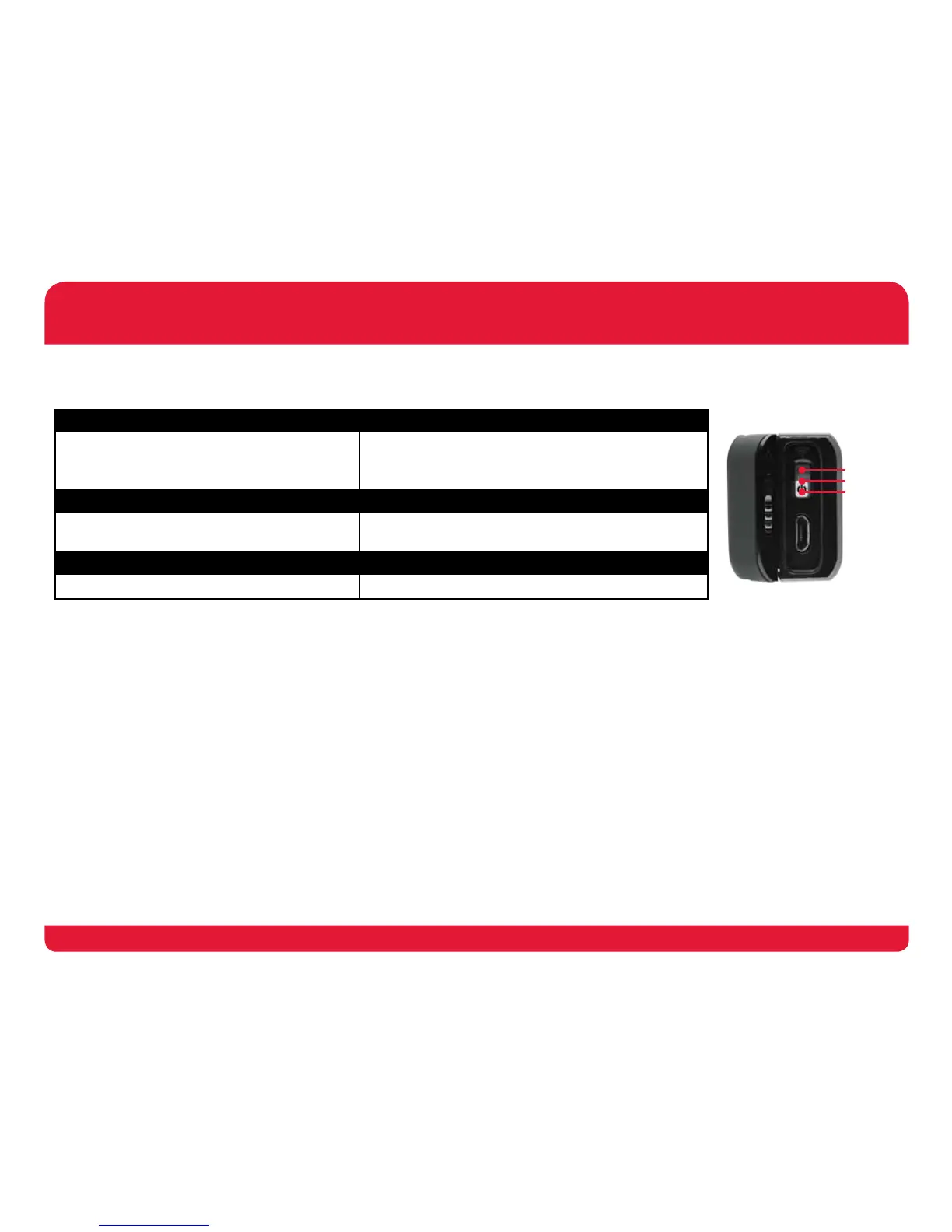
POWER ON RECORD OR STREAM
1. Record Light = Red for 2 Sec
2. Power Switch = Blue & Green for 2 Sec
3. Power Switch = Blinks Green every 3 Sec
> Record Light = Red
> Power Switch = Blinks Blue & Green every 3 Sec
Wi-Fi ON CHARGING
1. Power Switch = Blue for 2 Sec
2. Power Switch = Blinks Blue every 3 Sec
1. Power Switch = Blinks Green
2. Power Switch = Solid Green (fully charged)
POWER OFF LOW BATTERY
> Power Switch = Blinks Green 3 times > Power Switch = Blinks Green 2 times every 5 Sec
LIGHT MODES
Wi-Fi ON
Power ON
Power OFF


 To Next Page
 Loading...