6 Application Installation 7
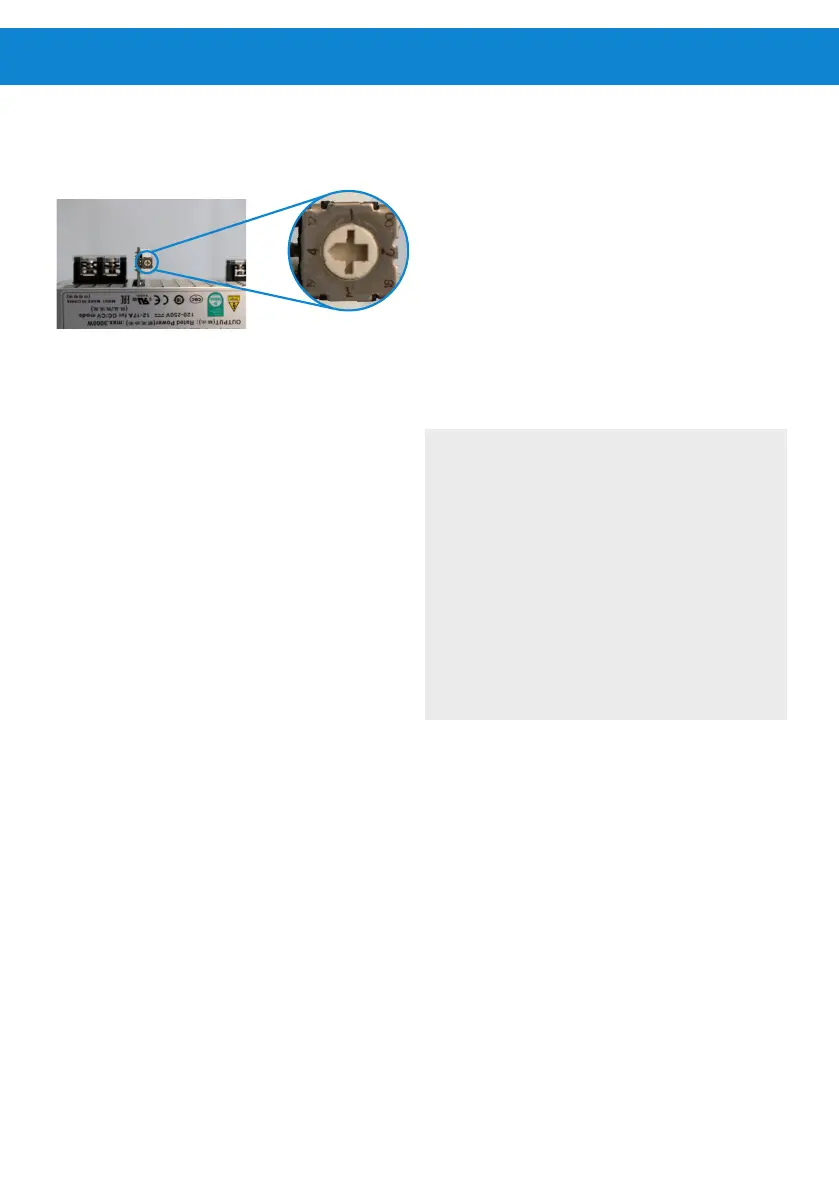
Figure 2: Voltage switch selector
Increasing the voltage above the pre-congured level
may result in interactions between the controller and
the PowerPack that cause stops and restarts. In this
case, reduce the voltage setting.
This setting should only be modied by professional
personnel and is the user’s own responsibility.
LORENTZ recommends keeping the default value and
provides further technical suggestions in table 2.
COMPASS can be used to check the expected
performance of your system based on the selected
voltage setting.
4.2 Remote On/O function
This PowerPack includes a normally open (NO)
terminal for remote control. Closing the contact
between the remote on/o terminals will switch o
the DC output of the PowerPack.
Note: This feature does not oer a dedicated
automatic control function in combination with the
PS2-4000.
5 Installation
l
WARNING – This device is to be
installed, connected and serviced by
qualied personnel only. Ensure all power
sources are disconnected when making
connections to this unit. Follow all
appropriate electrical codes.
WARNING - For best performance
and to avoid over temperature shut o,
install the PowerPack in a location that
is shaded from direct sun. Allow free
air circulation around the ventilation
openings on the side and bottom of
enclosure.



 To Next Page