24
Remote viewing — Connect to the app
1. Scan the QR code to download the free
Lorex Home app from the App Store or
Google Play Store.
2. Open the Lorex Home app.
3. Tap Sign up and create an account.
4. Tap the +
icon to add a device.
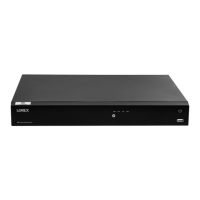
5. Scan the Device ID QR code on the top left of
the recorder. If your mobile device cannot scan
the QR code, tap Manually enter Device ID.
6. Enter the password you created for the
recorder, see page 9.
7. Set the preferred timezone and tap Live View.
Congratulations! You can now view video from
your cameras on your mobile device.


 To Next Page