11
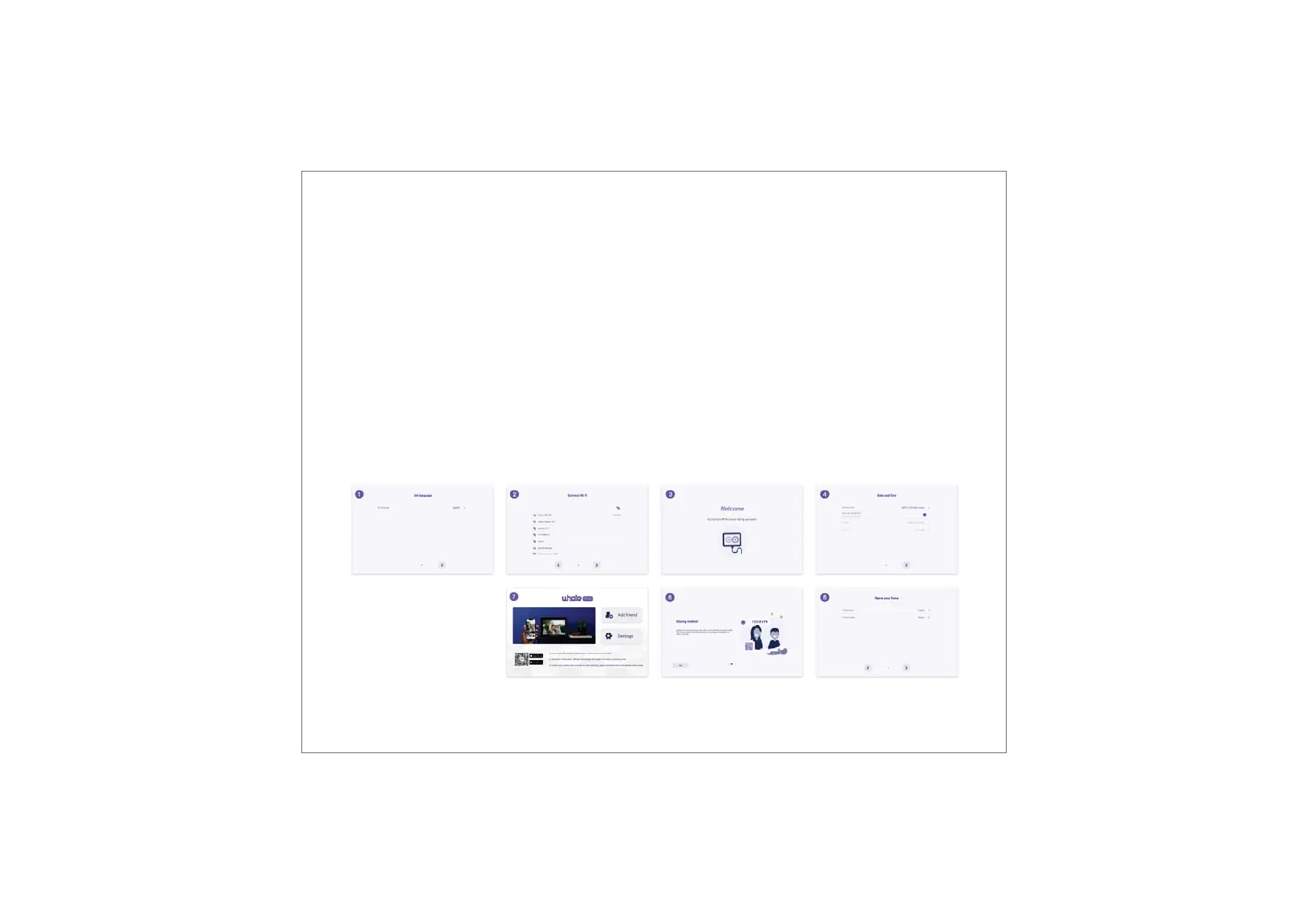
When starting your frame for the first time, you will need to setup the frame.
•Uhale Frame may request to upgrade to the latest version. If so, it is recommended to upgrade the photo
frame before proceeding.
•Choose a language you preferred as default.
•Connect the photo frame to the Internet via Wi-Fi.
•Set the date, time and set the time zone if needed.
•Name the photo frame (E.g. Jack’s Frame).
•Set the location of the photo frame (E.g. Living Room, Kitchen, Office).
•Check the quick guide on the Uhale frame.
HOW TO USE UHALE FRAME



 To Next Page