SHARE PHOTOS
12
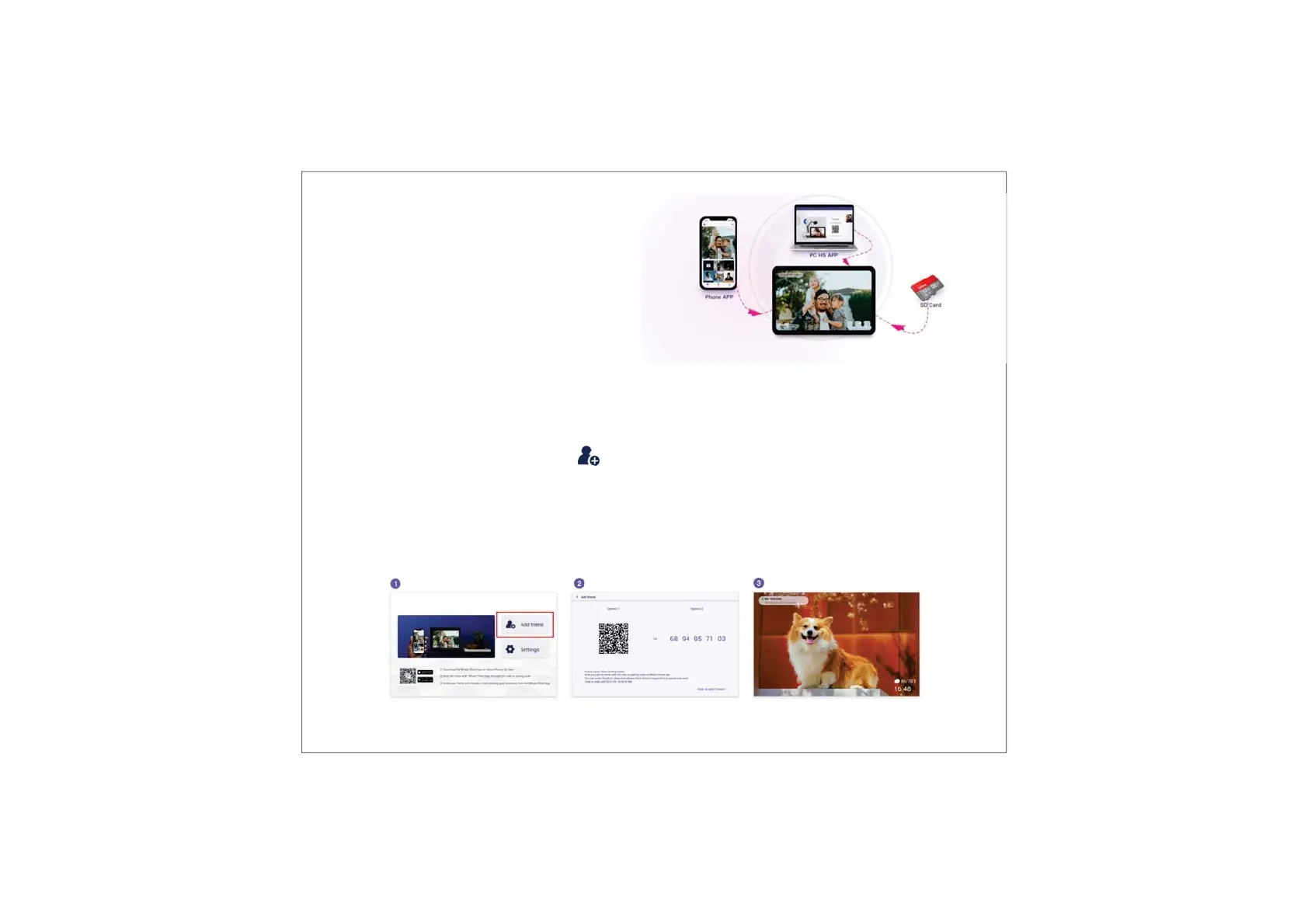
You can share photos/videos in four ways.
Uhale App
You can download "Uhale" app from Google Play or App Store.
Before sharing, please connect Uhale app on mobile phone with the photo frame.
Connecting a new friend:
•Make sure that your friend has downloaded and installed the Uhale App.
•Click the "Add friend" icon on your frame . A dialog will appear and show both QR code and paring
code (valid for 12 hours).
•Now share either the QR code or the paring code through your preferred way E.g. SMS, E-Mail, IM,
phone call, to your friend.
•Once the frame is connected to your friend’s Uhale App, you will be able to find them in “manage
accounts” on the frame.



 To Next Page