15
Single repeat/ Repeat all
To set the picture display mode: select , the current photo or video will be presented in a loop;
select to play the contents of the gallery in sequence.
Hide photos
Hide the current photo. It means this photo will no longer be displayed in the slide show but still stored in the
library. Go to settings-> Manage photos-> Show/hide photos.
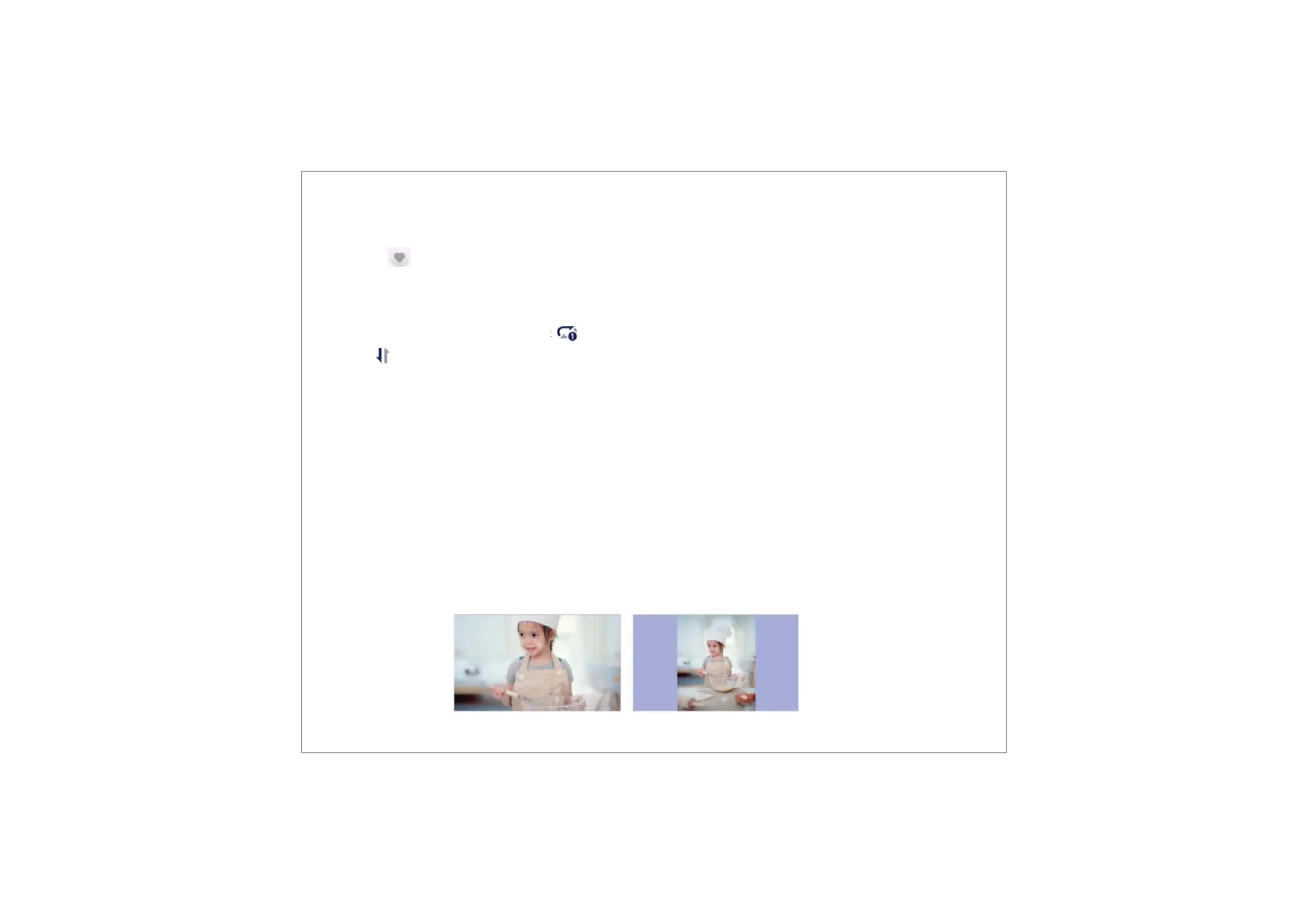
Fill frame/Fit to frame
This function is to switch the photo display mode in the frame.
Fill frame: It is the default display mode. The photo is scaled proportionally to fit the entire frame.
Fit to frame: the entire photo is displayed in the frame as its original proportion.
Delete
Press and hold the screen to delete the current photo or video.
Favorite
Click the on the screen to favorite the current photo or video. To hide the favorite button on the homepage,
you can go to Settings - Photo Settings and turn off the "Show favorite" option. To show it, turn on the option.



 To Next Page