17
Weather & Time
The home screen will display the weather and time in your area. To hide the weather and time on the homepage, you
can go to Settings - Display Settings and turn off the "Show weather and time" option. To show it, turn on the option.
Best wishes
Show the wishes sent by your family or friends. You can manage the blessings in Settings - Manage photos -
Best wishes.
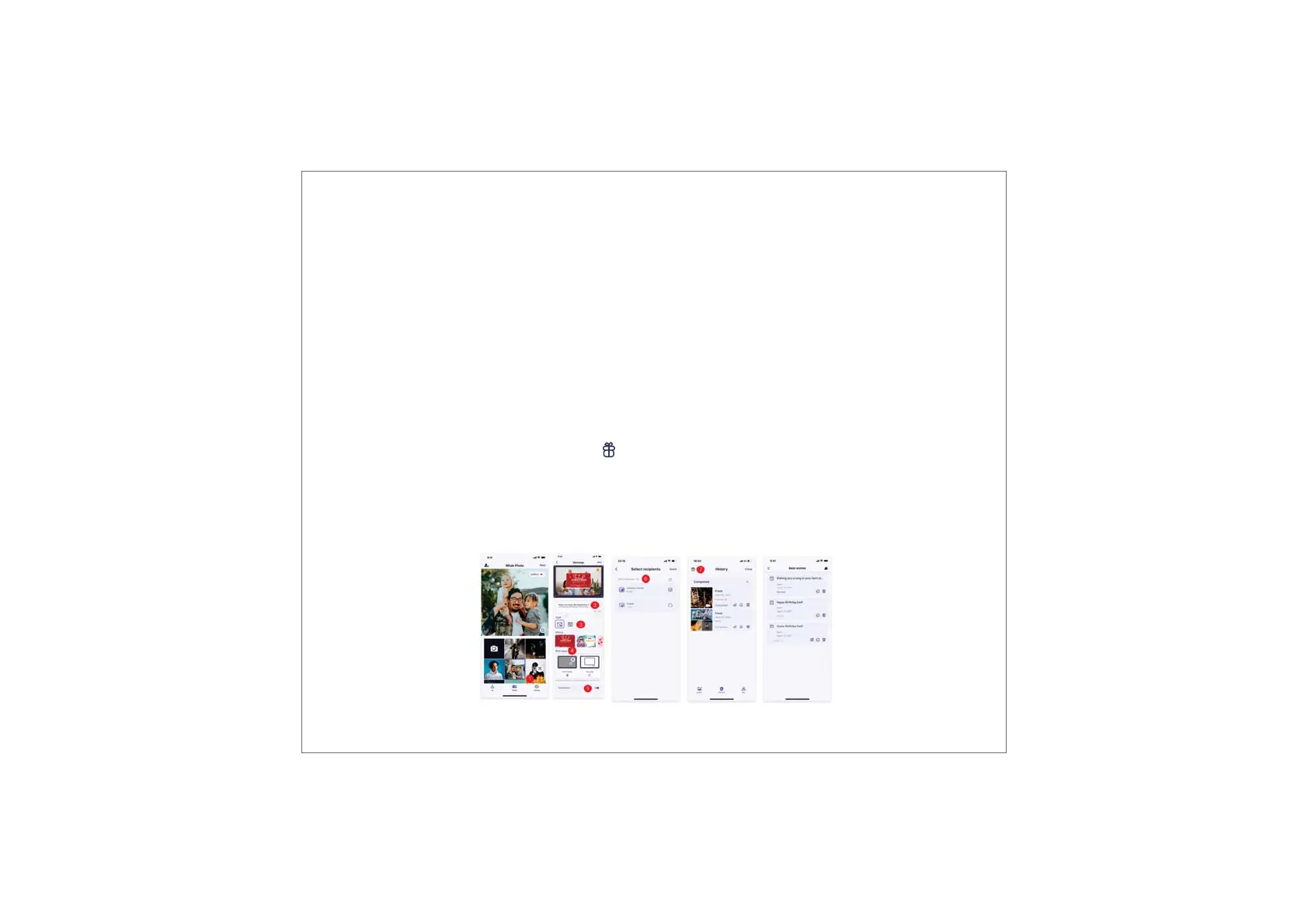
1)Open the Uhale APP on your phone. Tap the icon.
2)Write down your wishes in text.
3)Select a style.
4)Choose a frame(s) you would like to send wishes to.
How to send out wishes?
Note: Please upgrade the APP to version 3.14 or above.



 To Next Page