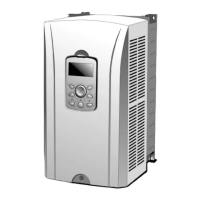
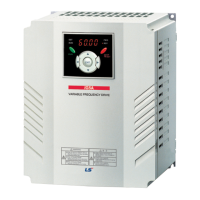
iS7 220V Auxiliary Power Option Card User Manual
(3) Installation Check
- Please Proceed the following step to check whether the installation has been
done correctly.
① Shut down SV-iS7.
② Take off the upper cover of the SV-iS7 and install 220V auxiliary power
option board into the option slot.
③ Connect 220V auxiliary power supply into the terminal of the option
board(L1, L2).
④ Power up into SV-iS7 as well as the option.
⑤ Check the option board whether the green LED light has turned on.
⑥ Screw back the upper cover of the SV-iS7.
⑦ Set DR30-Auxiliary Opt = ‘Yes’, using the LCD keypad.
⑧ When the main power for SV-iS7 is on, the option board does not operate.
(The LED of the option board is on when the option power supply is
applied)
⑨ When the main power shuts down, the relay of the auxiliary Power option
board will activate, supplying control power(5V) into the CPU.
- ‘Trip’ message will show in the keypad.
- Normal operation of the motor is not possible and only communication
status through option Slot#1 will be possible.
⑩ When the option board is connected and the main power of the SV-iS7
turns on the relay connection with the option board will shut down.
- Power through the option board will not be supplied and the ‘Trip’ message
will automatically disappear.
- The inverter is at its ready state.
When the iS7 220V External Power option board is in operation the ‘ Trip ’
message will show up in the keypad and regardless of its power rating ‘AUX
Power ON’ Trip may occur. There are chances of other trips from being triggered
and the record showed up on the keypad does not necessarily show in an order in
time.



 To Next Page